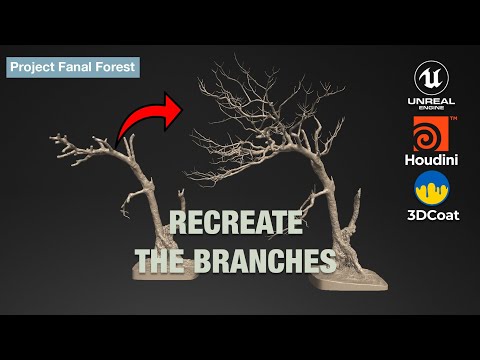
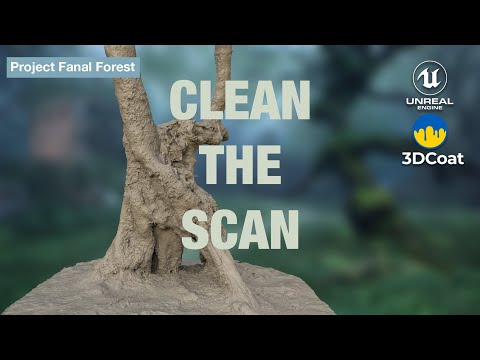
In this episode of Project Fanal, I take the cleaned photogrammetry mesh and begin refining it using 3DCoat’s voxel sculpting tools. I show how I rebuild lost shapes, improve the silhouette, smooth messy scan data, and use voxel tools like Wet Clay, Voxel Fill, Base Clay and CutOff to form a clean, artistic base mesh. This sculpt is then prepared for export into Houdini, where I’ll procedurally add branches in the next part of the series. In this video: • Voxel sculpting workflow in 3DCoat • Clay tools and form refinement • Cleaning scan artifacts • Preparing the mesh for Houdini Check out my Free Stuff on FAB: Watch the Playlist here: Previous Episode: Next Episode: Creating branches in Houdini #3DCoat #VoxelSculpting #Photogrammetry #Houdini #UnrealEngine #3DScanning #EnvironmentArt #ProjectFanal
- 827Просмотров
- 2 недели назадОпубликованоMidgard Geographical Society
Voxel Sculpting in 3DCoat – Refining Your Photogrammetry Scan
Похожее видео



Популярное
Новини