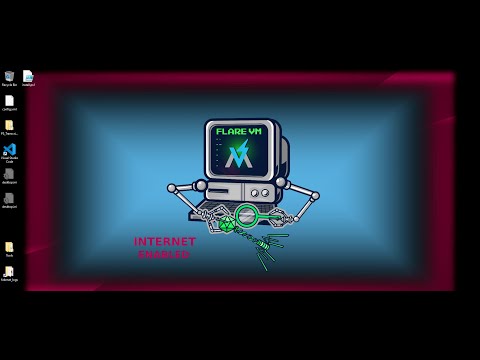
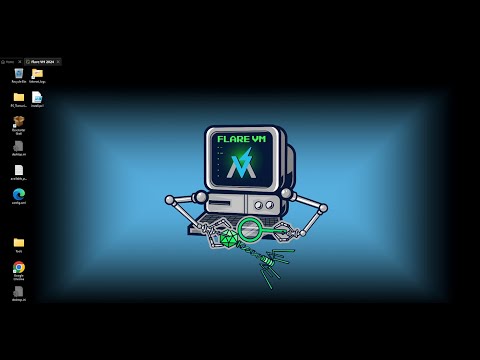
In this tutorial, I’ll show you how to set up REMnux VM and connect it to Flare VM in VirtualBox with complete network isolation using a host-only adapter. We’ll also configure INetSim to simulate internet services, allowing you to safely analyze malware network behavior without any external connectivity. 👉 In this video, you’ll learn: 1. How to download and install REMnux VM 2. How to connect REMnux VM to Flare VM using a VirtualBox host-only adapter 3. Network isolation best practices for malware labs 4. Configuring INetSim to simulate DNS, HTTP, and other network traffic 5. How to verify the setup works safely in an offline environment 🔐 By the end of this tutorial, you’ll have a fully isolated malware analysis network with REMnux and Flare VM communicating securely.
- 311Просмотров
- 4 месяца назадОпубликованоKiso Secure
Isolate Malware Network Traffic with REMnux, Flare VM & INetSim (VirtualBox)
Похожее видео







Популярное
Новини