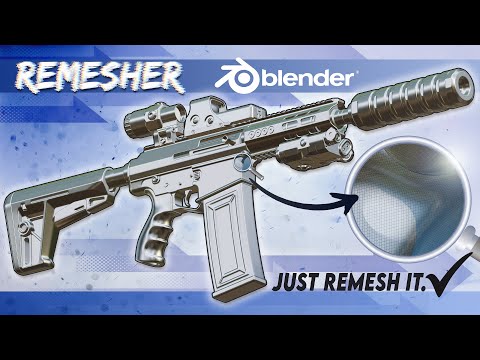
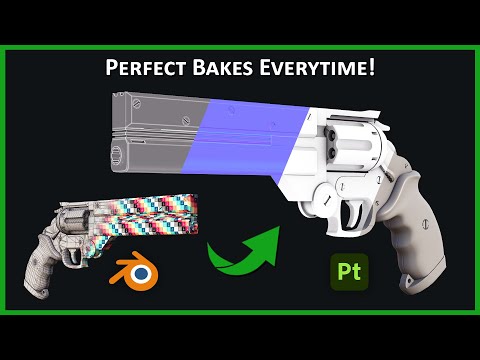
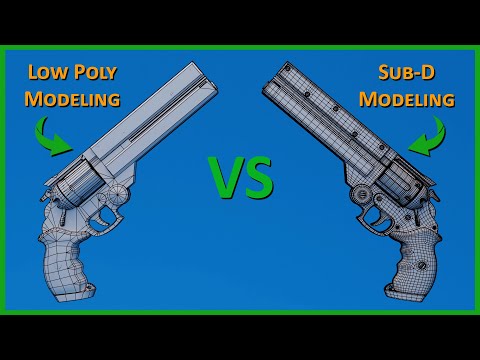
Master 3D Modeling and Topology Today: In this video, we’re diving into two powerful Blender workflows: Sub-D (Subdivision Modeling) and the Remesh Workflow. Both methods have their strengths and weaknesses, but which one should you use for your next project? I’ll break down the pros and cons of each approach, show you how to set up the Remesh Workflow for hard surface modeling, and explain why Sub-D is still king for clean topology and organic shapes. Plus, I'll share practical tips on when to use each method and how to maximize your efficiency. Whether you're working on game assets, props, or high-poly sculpts, this guide will help you decide which technique fits your project best! Join my Discord: Patreon: Artstation: Instagram: Twitter: Software used in Tutorial: Blender 4.1 #blender #3dmodeling #3dart Other channels who cover remesh workflow: Chamfzerzone: @ChamferZone PzThree: @pzthree ----------------------------------------------------------------------------------------------------------------------------------------------------- Video Editor: AB - 1999baber.s@ ----------------------------------------------------------------------------------------------------------------------------------------------------- Table of Contents 0:00 Intro 00:22 Sub-D vs Remesh 3D Models 01:05 Why Remesh vs Sub-D at a High Level 02:11 Pros & Cons 04:43 AGL Long Colt Concept 05:30 Remesh Workflow in Practice 06:43 Remesh Modifier 07:54 Smooth Corrective 10:08 Decimate (Optional Step) 10:49 Baking Considerations 12:07 OM3D Topology Course 13:14 Copying Modifier Stack to Save Time 14:11 Remesh Supports Nondestructive Workflows 14:51 Subdivision Considerations 16:12 Dealing with Scale - Remesh for Small Details 19:39 Recap -----------------------------------------------------------------------------------------------------------------------------------------------------
- 121987Просмотров
- 8 месяцев назадОпубликованоOn Mars 3D
Why Pro 3D Artists Are Switching to the Remesh Workflow?
Похожее видео


Популярное
Новини