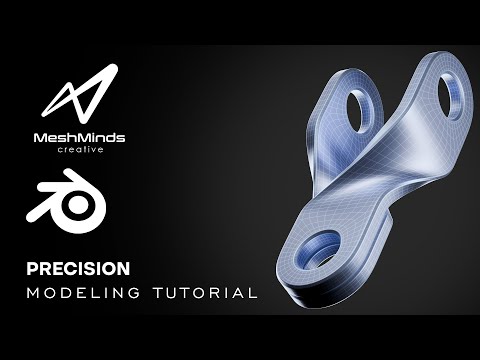
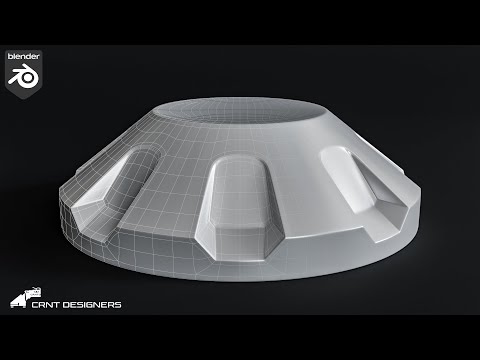
Welcome back to MeshMinds Creative! In this video, we dive into another precision hard surface modeling tutorial using Blender. This is the third video in my modeling series where I focus on detailed and clean topology — ideal for mechanical parts and product design workflows. Whether you're a beginner or an intermediate 3D artist, this video will guide you through building a clean and functional hard surface model using Blender’s powerful modeling tools. Let me know your thoughts in the comments — feedback is always welcome! 🔧 Software Used: • Blender 3D • Rendered and composited in Blender • Thumbnail edited in Photoshop 📌 What’s Included: • Clean topology • Realistic modeling approach Reference images : 📺 Watch Previous Tutorials: Video #1 → [ ] Video #2 → [ ] 🧠 Stay creative and keep learning with MeshMinds Creative
- 2246Просмотров
- 4 месяца назадОпубликованоMeshMinds Creative
Precision Hard Surface Modeling in Blender – Tutorial #3 | MeshMinds Creative
Похожее видео




Популярное
Новини