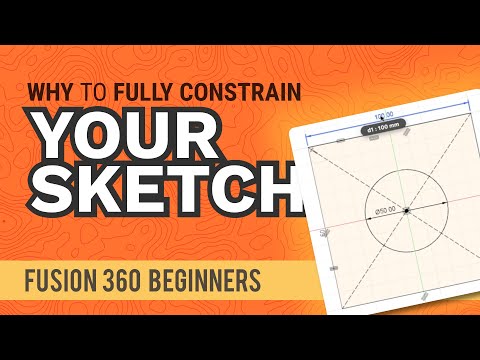
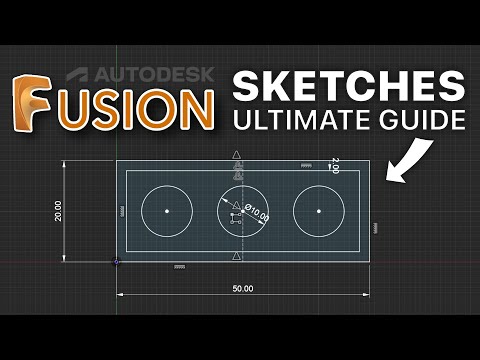
This tutorial teaches you how and why to fully-define your sketches in Fusion 360. This is a foundational concept that all beginners must learn if you want to create proper parametric models. Fully defining a sketch is done through the use of constraints and sketch dimensions. In this tutorial, I break the concepts down with a simple part example. You'll also learn some tricks and tips to figure out why your sketches aren't yet fully defined, including how to achieve the lock icon. Check out my new Jemi page ➞ Sign up for free F360 Sketching Course ➞ Demo File ➞ TIMESTAMPS 0:00 - Fully-define sketches in Fusion 360 0:30 - Understanding the geometry color 0:57 - What is fully-defining a sketch? 1:30 - Adding constraints to the geometry 2:15 - Finding what's not constrained 3:00 - Testing the constraints 4:00 - Using the symmetry constraint 4:35 - Inspecting the Browser sketch icon 4:56 - What does the lock icon mean? TOP FUSION 360 PLAYLISTS SUBSCRIBE for more high-quality Fusion 360 tutorials! ➞ ________________________________ QUESTION Have a question about Fusion 360? Post it in the comments section of this video! HELP THE COMMUNITY GROW Speak another language? Submit a closed captions translation and help me continue to make CAD education more accessible ➞ — #Fusion360 #ProductDesignOnline
- 44547Просмотров
- 5 лет назадОпубликованоProduct Design Online
HOW and WHY to Fully-Define Sketches in Fusion 360 (2020)
Похожее видео




Популярное
Новини