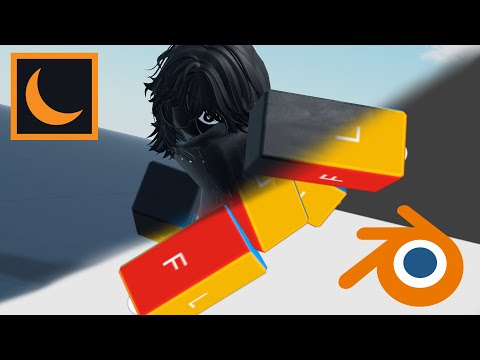
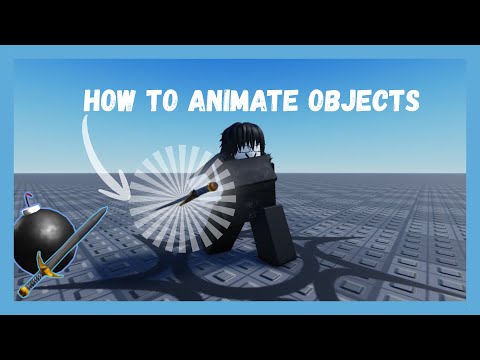
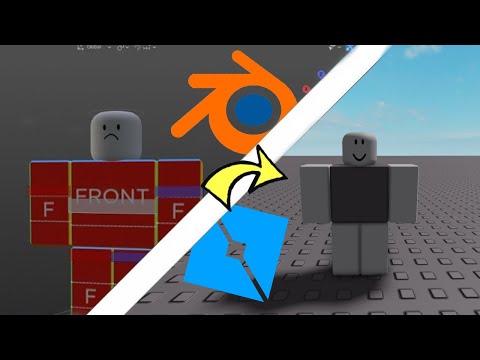
Video related: Rig edit plugin - Blender plugin - Me related: Discord username - justseve Discord server - Timelines: Intro - 0:00 Set up - 0:07 Tutorial - 1:23 Results - 3:50 Outro - 4:15 Hashtags + Algorithm (ignore) General Roblox + Blender Rigging #RobloxStudio #RobloxDev #RobloxScripting #RobloxAnimator #RobloxRigging #Blender #Blender3D #BlenderRigging #3DRigging #GameDev #RobloxBlender #RobloxModeling #RobloxCharacters #RiggingWorkflow Unparented Bones / Advanced Rigging #UnparentedBones #BoneRigging #AdvancedRigging #ArmatureSetup #BlenderBones #BoneConstraints #IKRigging #FKRigging #WeightPainting #RigFix #RiggingIssues #RiggingTips Extra Boost #DevCommunity #IndieDev #GameAssets #CharacterRigging #RobloxCreation #BlenderToRoblox #RobloxGFX In this tutorial, I walk you through how to animate objects in Blender even when their bones are unparented, and then bring the full rig smoothly into Roblox Studio. I start by showing how to set up the armature, isolate the bones, and keep everything controlled without needing a full parent chain, which makes the rig way more flexible for custom movements. Then I demonstrate how to keyframe each unparented bone, stabilize the motion with constraints, and export the model using the correct settings so Roblox Studio reads the animation perfectly. This method is super useful for developers who want cleaner rigs, easier fixes, and more control over how objects move during gameplay. If you’ve been struggling with Blender rigging or getting animations to import properly into Roblox Studio, this workflow will make everything way smoother. Search insights: How to animate unparented objects in Blender (weapon, accessory, gear) Roblox Blender animation exporting settings FBX How to attach weapons to R15/R6 rigs properly Roblox accessory bone animation workflow
- 328Просмотров
- 1 неделя назадОпубликованоPoketseven
How to animate objects on blender from Roblox studio (unparented + easy version)
Похожее видео



Популярное
Новини