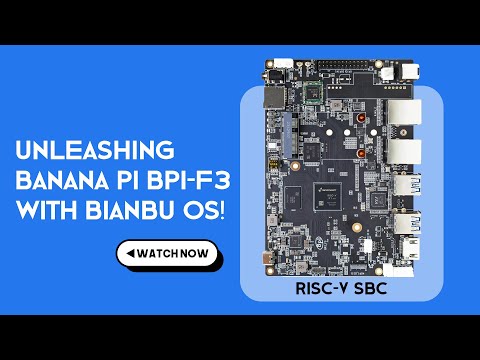
Learn how to build a DIY NAS with the Banana Pi BPI-F3, powered by RISC-V and running OpenMediaVault. In this step-by-step guide, I’ll walk you through formatting drives, creating file systems, setting up shared folders, and configuring your home server. Whether you’re exploring Banana Pi hardware, trying RISC-V boards, or setting up OpenMediaVault for the first time, this tutorial covers everything you need to get your NAS up and running. 00:00 – Intro: What is a NAS? 00:52 – Hardware overview (Banana Pi BPI-F3 & components) 01:18 – Connecting SATA drives with JMB582 PCIe to SATA adapter 02:20 – Power setup with PicoPSU & MeanWell LRS-100-12 03:52 – Building the MDF enclosure (cutting, sanding, painting) 04:14 – Installing Banana Pi, power supply & fan controller 05:18 – Cable management & final assembly 06:16 – Installing Bianbu NAS OS (with OpenMediaVault preinstalled) 07:15 – Logging into OpenMediaVault (default credentials) 07:45 – Outro: Links, subscribe & next steps Banana Pi BPI-F3: NVME to SATA Hard Disk Drive Converter JMB582: Power Switch AC Power Outlet: ATX Pico PSU MINI ITX PC Power Supply: Mean Well LRS 100 12V: SATA III Cable: CPU Fan Temperature Controller: #BananaPi #RISC-V #NASBuild #OpenMediaVault #DIYServer #HomeLab #TechTutorial #BananaPiBPI-F3 Stay tuned for more tips and tricks to make the most out of your devices. Remember to like, subscribe, and hit the notification bell for more tech tutorials. Subscribe Now: Buy me a Coffee: Background Music: Otis McDonald - Not For Nothing © 2025 #YOURTECHEXPERT
- 211Просмотров
- 3 месяца назадОпубликованоYOUR TECH EXPERT
Banana Pi BPI-F3 NAS Build (RISC-V) | DIY OpenMediaVault Server Guide
Похожее видео






Популярное
Новини