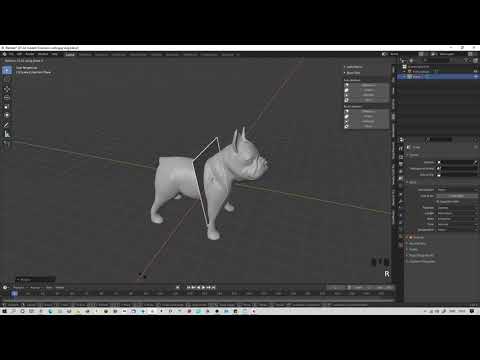
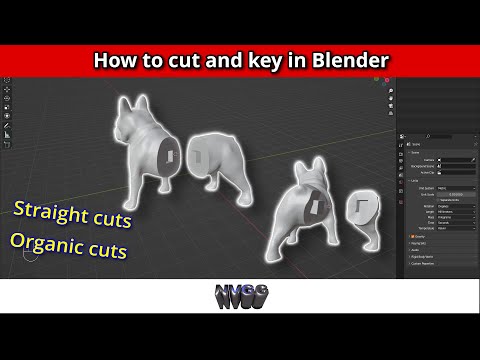
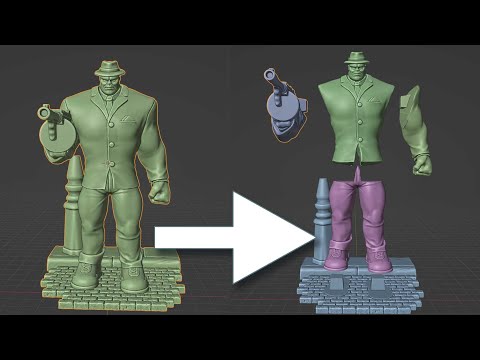
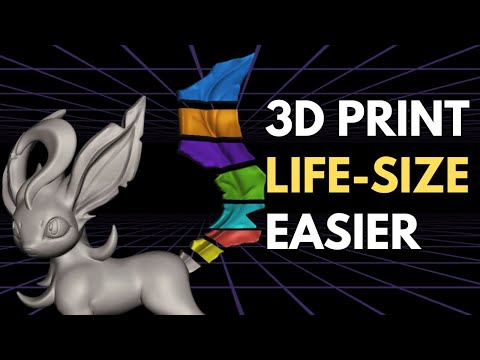
For a detailed video on cutting up and keying a normal model in blender go here This particular video shows a technique for cutting and keying a model that is hollow. Normally you can't put a key in a hollow object because it is, well, hollow. This technique solves that problem. 0:00 Intro 0:47 Load in an stl 1:50 Set face orientation on with transparency 2:45 Separating the interior from the exterior 3:45 Cutting the model exterior 4:58 Cutting the model interior 6:49 Joining the interior to the exterior again
- 25990Просмотров
- 4 года назадОпубликованоNot Very Good Guy
How to cut up and key a hollow model in Blender for 3d printing
Похожее видео



Популярное
Новини