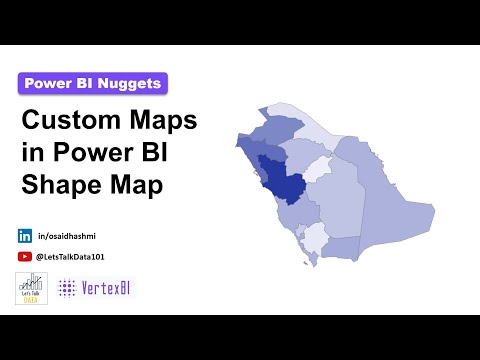
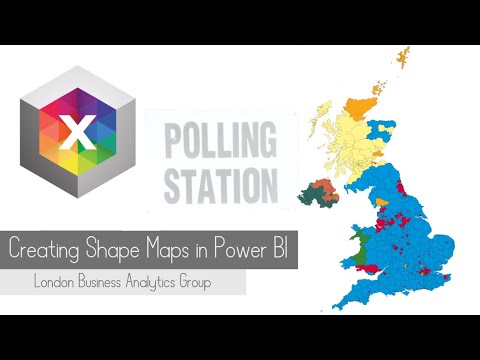
"Behind the Scenes" series: In this time-lapse video, I'll show you how to create a Shape Map, using only Power BI's native visuals and guide you through downloading country maps from online sources. This Shape Map is part of the Regional Dashboard featured in my main video. If you'd like to see the full dashboard in action, check out the link below. Resources: - Download BI Dashboard Template and Excel Data Files - Country Shape Files - Map Shaper for Custom Maps Timestamp: 00:00 Intro 00:25 Activate Shape Map in Power BI 00:44 Insert Shape Map Visual 01:17 Download Country Shapefile 01:36 Refine Map 02:22 Update Power BI Map Settings 02:41 Apply Heatmap Style for the Map Thanks for watching! #powerbi #dashboard #template #kpi #exceltopowerbi #regionaldashboard #datavisualisation #businessintelligence #businessreview #freedownload #shapemap #heatmap
- 20653Просмотров
- 1 год назадОпубликованоKate Dashboards
Creating Shape Map in Power BI Using Native charts | Time-Lapse video
Похожее видео







Популярное
Новини