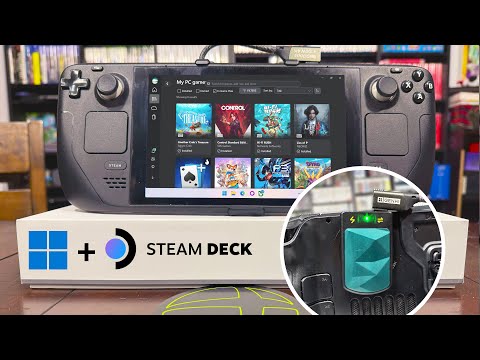
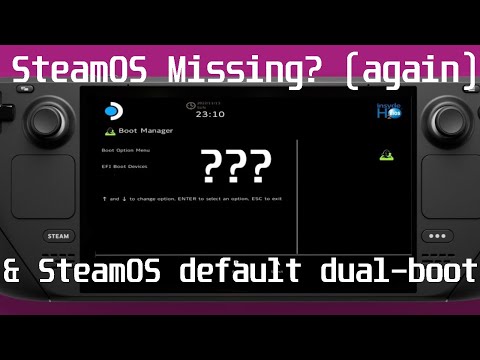
#steamos #steamdeck Clover Install Guide for Dual Boot Windows to Go SDCARD - Steam Deck OLED and Steam Deck LCD DISCLAIMER: It is NOT recommended to install Windows on an sdcard due to slower I/O speeds of the sdcard. If you don't care about the disclaimer regarding Windows to Go sdcard, you can install and configure Clover so that it will detect the Windows to Go sdcard. Once completed a nice GUI boot menu will show up and from there you can select between SteamOS or Windows to Go sdcard! ** Steam Deck LCD | Steam Deck OLED ** My Github repo for Steam Deck - Hi - I'm the author of the Clover dual boot script for the Steam Deck - And SteamOS Waydroid installer script for the Steam Deck - If you like my work please support the channel - @10MinuteSteamDeckGamer/?sub_confirmation=1| Monetary donations are also encouraged via my PayPal linked below - thank you in advance! The channel is focused on stuff I do with my Steam Deck - tinkering with Android Waydroid, creating scripts / tutorials / mini-guides / demos that I have written on my Github repo, playing modern PC games, and playing retro video games. - Android Waydroid - Dual boot - Clover - Windows 10 - Windows 11 - SteamOS downgrade - Batocera retro gaming - Linux - Overclock - Undervolt - BIOS flashing / downgrade / upgrade Thank you, have fun and keep on gaming!
- 3900Просмотров
- 11 месяцев назадОпубликовано10 Minute Steam Deck Gamer
Clover Install Guide for Dual Boot Windows to Go SDCARD - Steam Deck OLED and Steam Deck LCD
Похожее видео





Популярное
Новини