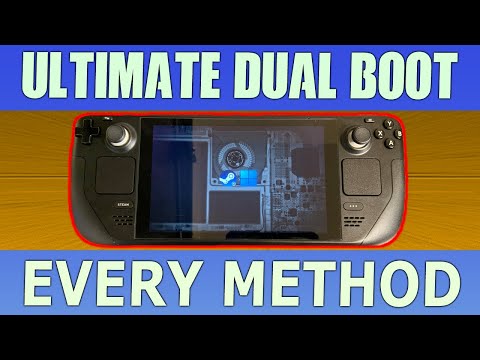
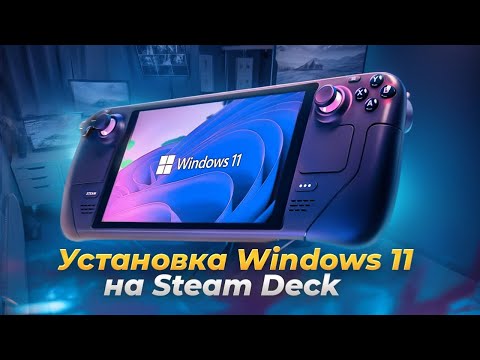
🔔 Subscribe to NerdZap for more tech tips! @NerdZap?sub_confirmation=1 Version 2 of my Steam Deck Windows 11 installation guide! This video shows you step-by-step how to get Windows 11 running from a MicroSD card or USB stick on your Steam Deck, without needing a separate PC. This new version features an optimised Windows image, all essential Steam Deck drivers pre-injected for an even smoother experience, and a dedicated FAQ section addressing the most common queries from the comments. Compatible with Steam Deck OLED and LCD models! _______________________________________________________________ WINDOWS 11 IMAGE OneDrive: GoogleDrive: : _______________________________________________________________ SD CARDS Amazon Basics (don’t be fooled by the name, these have the FASTEST read and write speeds!): Amazon Basics 128GB: Amazon Basics 256GB: Amazon Basics 512GB: Amazon Basics 1TB: Samsung EVO: Samsung EVO Select 64GB: Samsung EVO Select 128GB: Samsung EVO Select 256GB: Samsung EVO Select 512GB: SanDisk Extreme: SanDisk Extreme Go 64GB: SanDisk Extreme Go 128GB: SanDisk Extreme Go 256GB: SanDisk Extreme Go 512GB: SanDisk Extreme Go 1TB: SanDisk Extreme Go 2TB: _______________________________________________________________ ETCHER DOWNLOAD Version used in tutorial ( ): _______________________________________________________________ STEAM DECK WINDOWS DRIVERS _______________________________________________________________ Music from Uppbeat License code: XB9OA3O8SFJUIW7Y
- 102637Просмотров
- 5 месяцев назадОпубликованоNerdZap
UPDATED 2025 | Windows 11 on Steam Deck from a MicroSD Card | OLED & LCD | No PC Required!
Похожее видео






Популярное
Новини