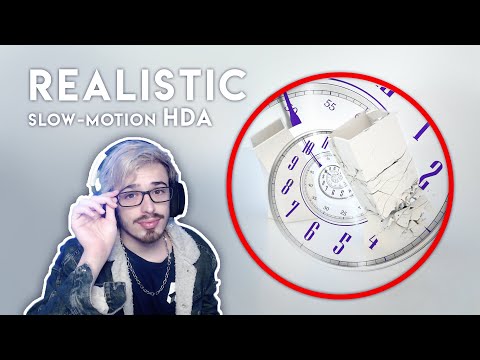
📁 Download the Project File: 🔥 Join Artilabz Annual Membership (20% OFF): ▬▬▬ 📌 Get Houdini ToolKit now: 📚 Unlock 40+ Hours of Premium Houdini Tutorials: ⚙️ Download Houdini Plugins here: ▬▬▬ 🌐 Explore More 3D Resources on Artivoxa: ⚡ Boost Your Render Speed with Fox Render Farm: 🌀 Join Our 3D Artist Discord Community: ▬▬▬▬▬▬▬▬▬▬▬▬▬ About This Houdini Tutorial ▬▬▬▬▬▬▬▬▬▬▬▬▬ In this Houdini tutorial, you’ll learn how to create a cinematic slow-motion rigid body simulation with realistic detail and control. I’ll walk you through several tricks to improve your scene and rendering, from optimizing collisions to enhancing motion for that dramatic slow-mo effect. You’ll also see how to upres your models after simulation and handle millions of polygons in real time without crashing your machine. 📌 Key Highlights: ✔️ Build a slow-motion rigid body simulation from scratch ✔️ Tips & tricks to make sims look more realistic and cinematic ✔️ Workflow for upresing models after the simulation ✔️ Strategies for handling heavy geometry & millions of polygons ✔️ Rendering tips to get clean, polished results ✔️ Perfect for FX artists, Houdini learners, and advanced 3D workflows Don’t forget to like, subscribe, and check out Artivoxa for more pro-level Houdini tutorials, free tools, and more. 📌 Produced by: Artivoxa | All rights reserved
- 2992Просмотров
- 2 месяца назадОпубликованоArtivoxa
Houdini Tutorial | SLOW MOTION RIGID BODY SIMULATION
Похожее видео








Популярное
Новини