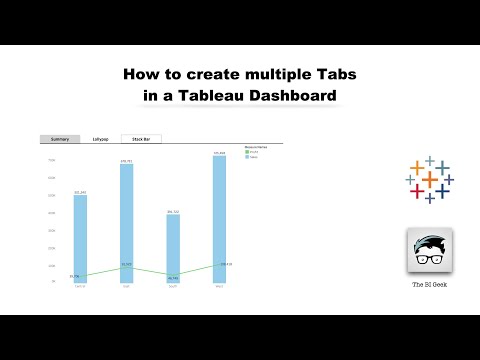
Learn how to switch between charts using a toggle button in Tableau and make your dashboards fully interactive! 🔄📊 In this step-by-step tutorial, I’ll show you how to create a toggle button that lets users switch between different chart types, making your dashboards cleaner, more dynamic, and user-friendly. 🎯 What You’ll Learn: How to create toggle buttons in Tableau Switch between multiple chart types dynamically Tips for designing interactive dashboards Best practices for clean, professional visualizations Enhancing user experience with interactive controls By the end, you’ll be able to build flexible dashboards that allow viewers to explore data their way, without cluttering your workbook with multiple charts. 💡 Perfect For: Intermediate Tableau users, data analysts, and anyone looking to make interactive and dynamic dashboards. 🔔 Subscribe for more Tableau tutorials, tips, and dashboard design tricks! 👍 Like, share, and comment your favorite Tableau tip or the next tutorial you want to see. #Tableau #ToggleButton #InteractiveDashboard #DataVisualization #TableauTutorial #LearnTableau
- 6986Просмотров
- 1 год назадОпубликованоThe BI Geek
Switch Charts Using a Toggle Button in Tableau | Step-by-Step Tutorial
Похожее видео










Популярное
Новини