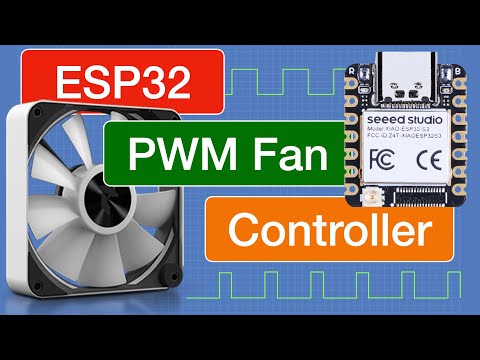
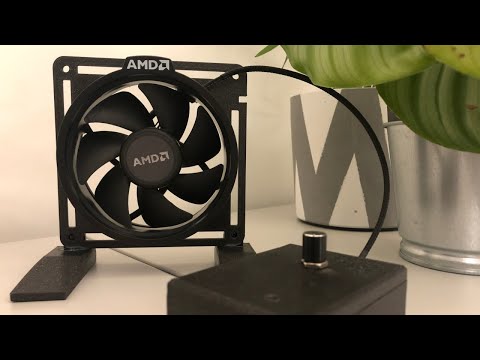
A quick tutorial on how to remotely control a regular computer PWM fan with Home assistant and an ESP32 Micro-Controller. Components: ESP32: USB Power Adapter: PWM Fan: Breadboard: Jumper Wires: DC Connector: (As an Amazon Associate, I earn from qualifying purchases) CODE: sensor: - platform: pulse_counter pin: GPIO13 name: PWM Fan RPM id: fan_pulse unit_of_measurement: 'RPM' filters: - multiply: 0.5 count_mode: rising_edge: INCREMENT falling_edge: DISABLE update_interval: 3s output: - platform: ledc pin: GPIO12 frequency: 10000 Hz id: fanhub_pwm fan: - platform: speed output: fanhub_pwm name: "PWM Fan" 🔥These links support my madness🔥 💲 NordVPN: 💲 Members-Only Punishment: 💯These are my other Socials💯 🔹Twitter: 🔹Instagram: 🔹Tik-Tok: 🔹Discord: ✉️P.O. Box for Mail✉️ Byte My Bits P.O. Box 77 Haysville, KS 67060 00:00 Intro 00:17 Components 01:01 Need to know 01:24 Plug In ESP32 02:46 Edit Code 03:46 Wire 12v Power 04:32 3rd Pin Tach 05:02 4th Pin PWM 05:19 ESP32 Power 05:53 Pre-Flight Check 06:39 Plug In and control 07:42 Can add more sensors
- 126425Просмотров
- 2 года назадОпубликованоByte My Bits
Tutorial - How to control a PWM fan with an ESP32 and Home Assistant
Похожее видео



Популярное
Новини