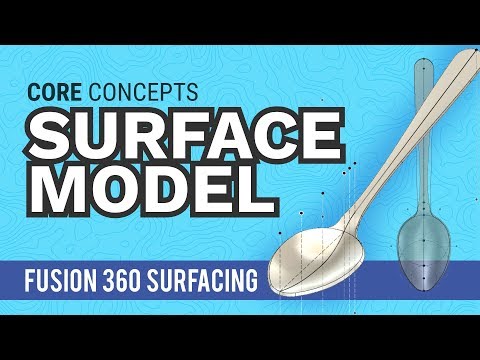
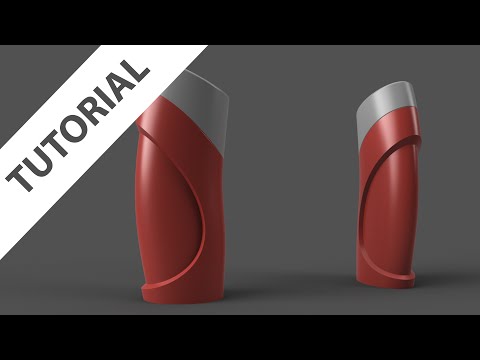
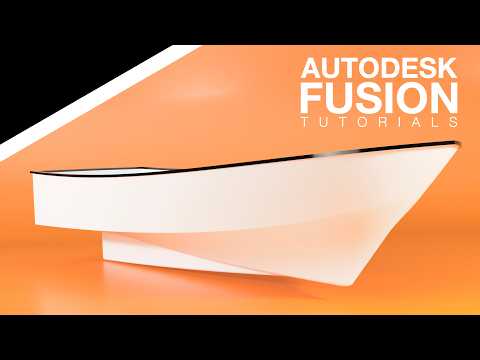
Recorded video on Fusion 360. The Topic: Fusion 360 Surfaces for Beginners. How do you create crazy lofts, sweeps, consumer products, headphones.... Surfaces are the gateway tool to doing harder stuff in Fusion. How To Build My Complicated Design Ideas. Without Making Tons Of Mistakes And Wasting Time. Show Notes :25 Introduction 1:40 Solids vs Surface 2:50 Why Patch Matters 3:10 Surface Commands - How They Are Similar To Modeling 4:00 Surface Sweep 4:30 Complex Twist Shape 5:00 Thicken - Go From Surface To Solid 5:40 Trim - Expert Tool 6:05 Revolve A Surface Be sure to check out my other Fusion 360 tutorials! Love your feedback and comments!! SUBSCRIBE! LET'S CONNECT: linkedin Twitter What Fusion 360 tutorials would you like to see? What beginner content for Fusion 360 would be most helpful? Many beginners in Fusion 360 are struggling with the same challenges that all CAD users face. Is it better to put everything in one large sketch or should you use feature for everything. I address these questions in the Fusion 360 tutorial video.
- 36859Просмотров
- 5 лет назадОпубликованоTyler Beck of Tech & Espresso
Fusion 360 - Surfacing For Beginners - How To Get Started Making More Complex Shapes
Похожее видео

Популярное
Новини