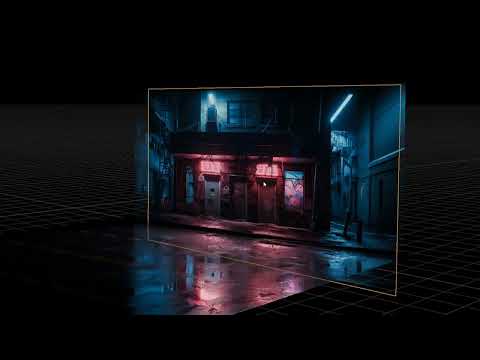
How to create 3D environments from AI-generated 2D images. Links: Image reference resources: Image generation: Depth map: Blender: Steps: 1. Search for reference images . 2. Use an AI image generator (e.g., ChatGPT, Gemini, Microsoft designer ) and input a prompt and upload reference images. 3. Select and refine generated images. 4. Create an Ai Depth Map here Blender and add a plane and create a new material. 6. Input the generated image as the base color. 7. Subdivide the plane and add a displacement modifier. 8. Load the depth map as a displacement texture and adjust settings. 9. Shade the object smooth. 10. Repeat the process for additional images. 11. Assemble elements into a 3D environment and render.
- 103125Просмотров
- 1 год назадОпубликованоAmelia Scarlett
Using A.I. for 3D modeling in Blender
Похожее видео




Популярное
Новини