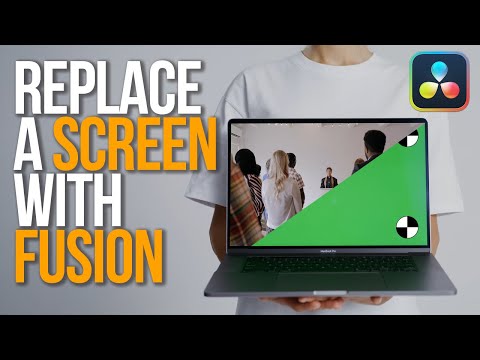
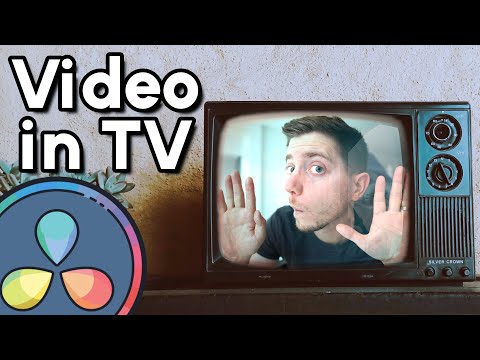
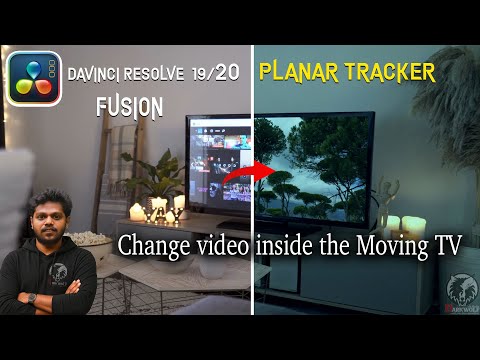
Learn how to replace a TV screen in DaVinci Resolve using the Fusion page. In this tutorial, I use the Planar Tracker to lock a mask to the TV screen, so every element stays perfectly attached to the tracked surface. You’ll learn: ✔️ How to track a TV screen with Planar Tracker ✔️ How to create a Polygon Mask that sticks to the track ✔️ How to insert and track your video inside the TV ✔️ How to add realistic reflections using a Merge node in Overlay mode ✔️ How to enhance the final look using the TV Effect in the Color page This workflow works for TV replacements, phone screens, laptops, monitors, signage, and any shot where you need a screen to stay perfectly tracked. If you’re using DaVinci Resolve for compositing or visual effects, this technique is a must-know! — 🎥 Software: DaVinci Resolve (Fusion + Color Page)
- 338Просмотров
- 4 недели назадОпубликованоDeRienHub
Track & Replace a TV Screen in DaVinci Resolve | Planar Tracker + Mask Tutorial
Похожее видео


Популярное
Новини