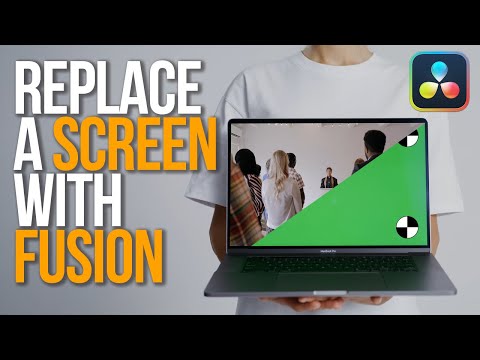
Learn how to replace a screen with DaVinci Resolve 19. Follow along with Cutting Club Tutorial Footage ➡️ Wacom Intuos Pro Tablet ➡️ DaVinci Resolve Editor Keyboard ➡️ Speed Editor ➡️ Editors Keys keyboard & covers ➡️ ——————————————————————— Affiliate links here mean I earn a commission from qualifying purchases. This helps support my channel at no additional cost to you. 00:00 - Screen Replacement 101 00:49 - Color Management Setup 03:19 - Referenced Composition Setup 04:16 - Place on Top - 3 Point Edit 06:08 - Referenced Composition Gotchas 07:09 - Fusion Page Setup 08:06 - Force Source Tile Pictures 09:30 - Point Tracking 14:15 - Path Center Append behind Occlusions 15:30 - Operation - Corner Positioning 16:53 - Mapping the Corners 17:37 - Apply Mode - Screen Reflections 18:09 - Brightness Contrast Fix 20:13 - Node 3 - Magic Mask Roto 21:27 - Inverted Effect Mask 22:18 - Motion Blur 22:47 - Refine Tracker Offset Points 25:10 - Keyframing Offsets 25:50 - Edit Page Replace Edits 26:14 - Replace Edit 27:55 - Render Cache Smart 29:27 - Slip Edit 31:28 - Color Grading Referenced Comps ℹ️ - NEW HERE? - Hi! I’m Chadwick. I’ve been a full-time professional video editor and filmmaker for 20 years. Creative Video Tips helps you craft stories that make a difference and stand out. 📱 IG: 🖥 Website: #CreativeVideoTips #DaVinciResolve #Resolve19
- 16118Просмотров
- 10 месяцев назадОпубликованоCreative Video Tips
Screen Replacement 101 for Beginners in DaVinci Resolve
Похожее видео

Популярное
Новини