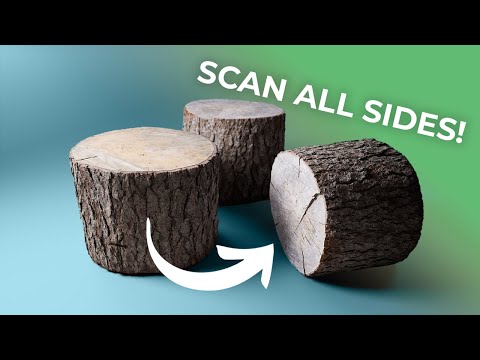
This video will guide you through creating a complete 3D model in RealityCapture. You will learn the basics of photogrammetry, the do's and don'ts when taking pictures, and how to make a closed 3D model from all sides using the Mask tool within RealityCapture. Download RealityCapture: TIMESTAMPS 00:00 Intro 00:46 Do's and don'ts when taking pictures 02:01 Taking pictures of an object 02:42 Changing layout and views 03:16 Adding images - Side 1 03:49 Image alignment 04:14 Navigating the 3Ds view 04:38 Reconstruction region adjustment 05:42 Preview model reconstruction 06:08 Using lasso tool to filter out unwanted triangles 07:46 Exporting mask images - Side 1 08:55 Starting a new project 09:03 Adding images - Side 2 09:28 Image alignment 09:41 Setting ground plane and adjusting camera view 11:25 Preview model reconstruction 11:41 Using Cut by box tool to filter out unwanted triangles 12:32 Exporting mask images - Side 2 12:54 Starting a new project 13:24 Adding images - Both sides 13:47 Image alignment 14:05 Previewing images and masks in 2D view 14:47 Reconstruction region adjustment 15:07 Normal detail model reconstruction 15:34 Texturing and unwrap settings explanation This video was created when RealityScan was branded as RealityCapture.
- 83379Просмотров
- 1 год назадОпубликованоRealityScan
Making a Complete Model in RealityCapture | Tutorial
Похожее видео


Популярное
Новини