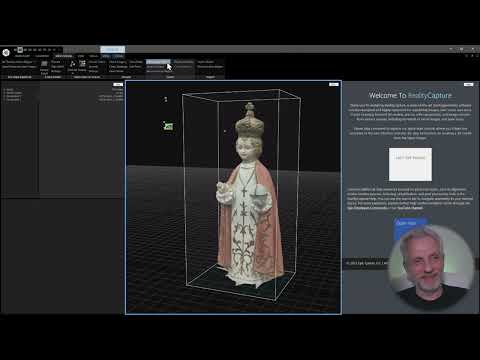
Learn how to scan everyday objects and turn them into 3D models you can share or sell online. In this video I'll discuss the required apps and show you how to scan a small wooden step stool and upload to the SketchFab website. URLs Quick Links 00:22 - Introduction 00:36 - Apps Needed 00:45 - Lighting 03:11 - Starting A New Scan 04:26 - Shiny and Reflective Surfaces 04:57 - Capturing Images 06:53 - Cropping The Scan 09:31 - External Batteries 10:04 - Preview Your Model 11:43 - Uploading Your Model 12:38 - SketchFab Settings 13:41 - Downloading Your 3D Model 13:51 - Fixing Texture Maps 14:18 - Cleaning Up the 3D Model in Blender 14:50 - Upload and Replace a Model
- 6024Просмотров
- 1 год назадОпубликованоDIWHY.LIFE
Scan 3D Objects Using RealityScan
Похожее видео



Популярное
Новини