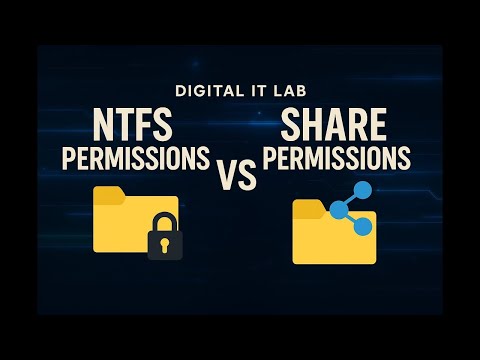
In this video, I walk you step-by-step through how to set up shared drive permissions between a server and a client PC. You will learn the difference between Share Permissions and NTFS Permissions, how to properly configure access for users and groups, and how to apply best practices to secure your network shares. 🔹 What you’ll learn: How to share a folder from a Windows Server Setting Share Permissions (Read, Change, Full Control) Configuring NTFS Permissions (Read, Write, Modify, Full Control) Accessing the shared drive from a client PC Common permission issues and how to fix them IT Support/Help Desk best practices for shared folders This tutorial is perfect for IT Support, Help Desk students, and anyone learning about Windows Server environments. If you find this helpful, don’t forget to like, comment, and subscribe for more IT and cybersecurity content!
- 12Просмотров
- 5 дней назадОпубликованоLatinCyber
Share Drive Permissions between Server and Client PC
Похожее видео





Популярное
Новини