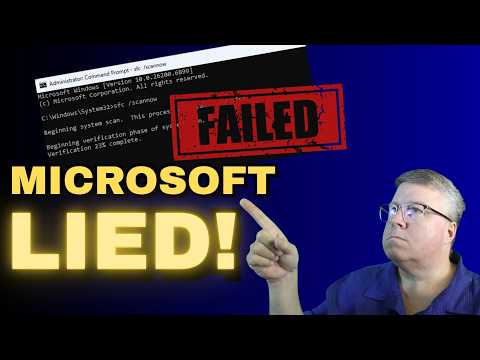
Does using the SFC /Scannow command never work for you? That was the case for me for a long time. That was until I learned the proper way to use it by combining it with DISM. The System File Checker is a very powerful tool that can fix a ton of problems if you use it right. Today, I'll show you how. Sponsored links 25% off discount code: CyberCPU ▬ Windows 10 Pro (16USD): ▬ Windows 11 Pro(23USD): ▬ Windows 10 Home (15USD): ▬ Office 2019 Pro (49USD): ▬ Office 2021 Pro (57USD): Please Like this video and Subscribe to my channel My shirt from the video Commands used in Video DISM To check Windows image for issues (Doesn't do repairs) DISM /Online /Cleanup-Image /CheckHealth more advanced scan DISM /Online /Cleanup-Image /ScanHealth Fix problems DISM /Online /Cleanup-Image /RestoreHealth - This might get stuck sometimes. Just wait for it to finish. use offline image DISM /Online /Cleanup-Image /RestoreHealth /Source:D:\Sources\ to disable windows update in the scan add (/LimitAccess) SFC to just verify run sfc /verifyonly to fix run SFC /scannow #Fix #Windows #Tech
- 1217024Просмотров
- 2 года назадОпубликованоCyberCPU Tech
Easily fix broken Windows files now with System File Checker
Похожее видео










Популярное
Новини