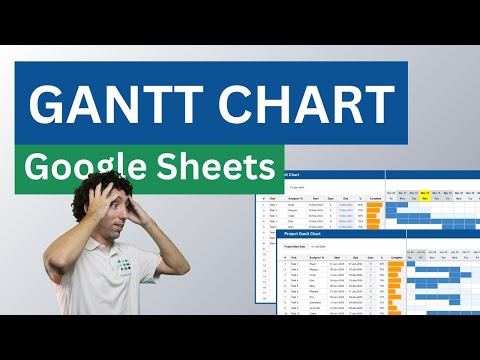
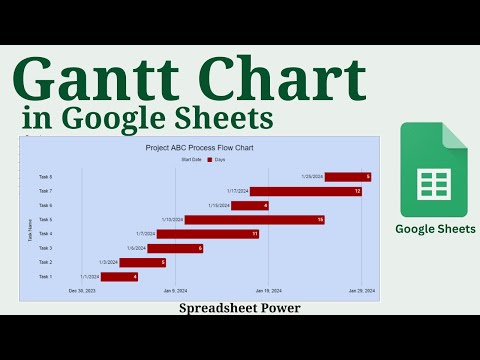
📌 Get the TEMPLATE here: 📌 Shop for more Templates and Spreadsheets: 📌 Connect with me: Learn how to make a Gantt chart in Google Sheets for FREE with this easy, step-by-step tutorial! Perfect for project management, task tracking, and organizing project timelines. Whether you're a beginner or need a quick refresher, this guide will help you build a custom Gantt chart without any downloads or paid software. Great for small business projects, team collaboration, or personal task management. How to conditional format gantt chart in Google Sheets Whether you're organizing a small project or planning a large one, this Gantt chart tutorial will help you stay on track. Color Hex: Background: #fefedf Light Purple: #f5ecff Dark Pupple : #7469b6 Pink: #c56db4 Text Color: #423c83 Section: 00:00 Intro 00:20 Set Up the Basic Layout 00:49 Insert Checkboxes for the Task List 00:53 Insert Dropdowns for Priority 01:08 Add Calendar Date Picker for the Start Date 01:47 Calculate the End Date Based on Duration Days 02:06 Change Text and Background Colors for the Priority Dropdown 03:18 Make the Calendar for the Gantt Chart 05:18 Adjust the Calendar for the Gantt Chart with a Monday Start 07:34 How to conditional format Gantt Chart in Google Sheets 09:11 Set Up Sparklines 11:22 Calculate Total Tasks, Completed, and Remaining Tasks 12:32 Add Extra Weeks to the Gantt Chart My Camera Setups: 📷 🎤. 🔔 Don’t forget to like, comment, and subscribe for more productivity tips and tutorials! 📌 This template is intended for personal use only. Please do not copy, distribute, or resell. Thank you for respecting the work that went into creating this resource!
- 5023Просмотров
- 1 год назадОпубликованоMondayGoalGirl
How to create an awesome Gantt Chart in Google Sheets - FREE Tutorial (Beginner-Friendly)
Похожее видео



Популярное
Новини