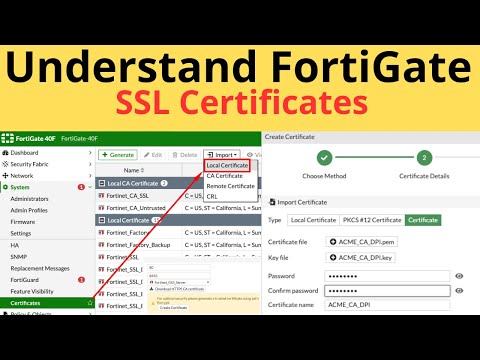
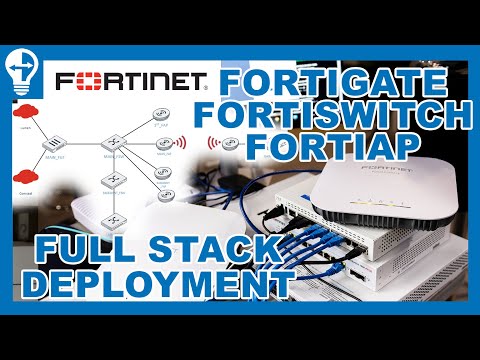
In this video we will describe how to create a Let's Encrypt SSL Certificate and install it on FortiGate firewall Services. To create a Let's Encrypt certificate on FortiGate, navigate to System --» Certificates, select Create/Import --» Certificate, and then choose Use Let's Encrypt. Provide a Certificate Name, the public Domain name of your FortiGate, and a valid Email address. Click Create, then select the correct ACME (Automated Certificate Management Environment) interface that will handle the validation challenges. FortiGate will then provision the certificate, which can be used to replace the default administration certificate for secure management access. Prerequisites FortiGate Firmware: This feature requires FortiGate running FortiOS V7 or later. Public IP Address: Your FortiGate must have a public IP address. Public Domain Name: You need a public domain name with an A record pointing to your FortiGate's public IP address. Feature Visibility: If the "Certificates" option isn't visible, go to System --» Feature Visibility and enable Certificates. Steps to Create the Certificate Navigate to Certificates: In the FortiGate GUI, go to System --» Certificates. Initiate Certificate Creation: Click on Create/Import and then select Certificate. Select Let's Encrypt: Choose the option to Use Let's Encrypt. Fill in Details: Certificate Name: Enter a name to identify the certificate in the FortiGate configuration. Domain: Enter the public Fully Qualified Domain Name (FQDN) of your FortiGate. Email: Provide a valid email address. Create the Certificate: Click Create to start the certificate provisioning process. Configure ACME Interface: You will be prompted to set the ACME interface. Select the interface on your FortiGate that is connected to the internet and can communicate with Let's Encrypt servers to handle the validation process. Verify and Apply: FortiGate will provision the certificate. You can verify its details in the certificate list. Set HTTPS Server Certificate: Go to System --» Settings. Apply New Certificate: Under the "HTTPS server certificate" field, select the new Let's Encrypt certificate and click Apply to use it for the FortiGate's administrative GUI. See More Videos:
- 1173Просмотров
- 3 месяца назадОпубликованоLearn With Rinel
15- Create a Lets Encrypt SSL Certificate on FortiGate
Похожее видео





Популярное
Новини