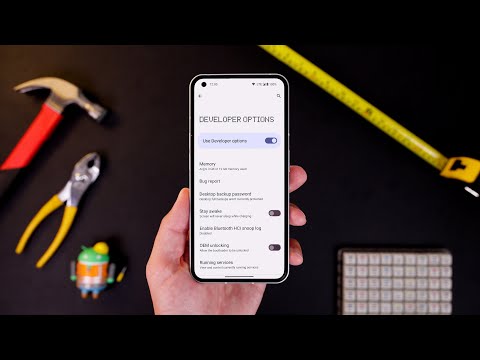
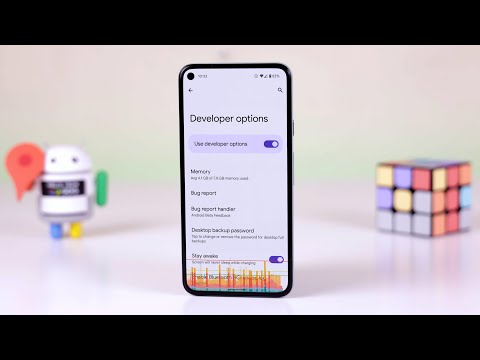
Enable these right away... Timestamps -- 00:00 - Intro 00:22 - Developer options versus Developer mode 00:41 - How to enable Developer options 1:02 - Default USB configuration 1:50 - Force split-screen mode 2:27 - Force peak refresh rate 3:08 - Block all sensors tile 4:07 - Select mock location app 4:56 - Speed up on-device animations 5:48 - Wi-Fi scan throttling 6:33 - Force dark mode 7:13 - Always enable/disable mobile data 7:50 - Monitor and manage running services 8:24 - What Developer options do you always enable? -- Subscribe ► | Read full article ► FTC: We use income-earning auto-affiliate links: #affiliate My favorite gear: - Panasonic Lumix S5: - Panasonic 85mm f1.8: - Sigma MC21 EF to L-mount adapter: - Sigma 50-100mm f1.8: - Sigma 18-35 f1.8: - Godox SL-60W: - RODE NTG-3: - MacBook Pro 16-inch: Want to sponsor the next 9to5Google video? Get in touch: ads@ ## Follow us 🎥 Other channels 🎥
- 401356Просмотров
- 2 года назадОпубликовано9to5Google
10 Developer options you NEED to enable on your Android!
Похожее видео



Популярное
Новини