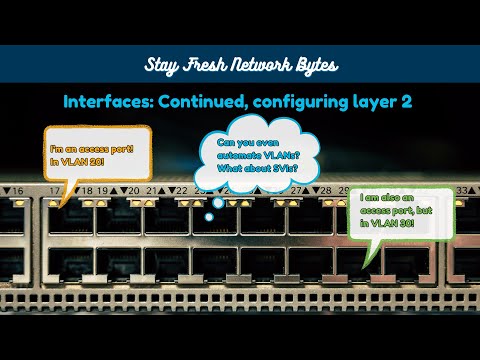
In this episode, we are going to configure device interfaces on our Catalyst and Nexus devices. Interfaces are unique to the device, generally we don't see the same configurations across multiple network devices. To facilitate configuration, we need to create host variables. These host variables define how an individual device should be configured. But this comes with some considerations. How do create a common naming scheme for our variables that let us configure all of our devices efficiently? How do we address an interface that is already layer 3 (a router) vs. an interface that needs to be put in layer 3 with "no switchport" (a switch). We'll be looking at all of that today, and by the end of our video we will have interfaces configured with DHCP or an IP address, description, and an enabled state. 00:00 - Intro 02:33 - Directory setup 05:32 - Ansible Interface Modules 07:19 - Overview of ios_interfaces module 08:29 - Overview of ios_l3_interfaces module 09:29 - Overview of nxos_interfaces module 10:22 - Overview of nxos_l2_interfaces module 11:38 - Review desired configuration 13:18 - c8kv-internet variable file setup 16:30 - n9kv-sw1 variable file setup 18:54 - Configuring Tasks 29:00 - Configure Playbook 30:29 - Run the playbook 31:51 - Verify Playbook configuration 35:43 - Using Ansible for validating state
- 428Просмотров
- 10 месяцев назадОпубликованоStay Fresh Networks
Network Automation Series - Ep 4, Configuring Interfaces and working with host_vars
Похожее видео





Популярное
Новини