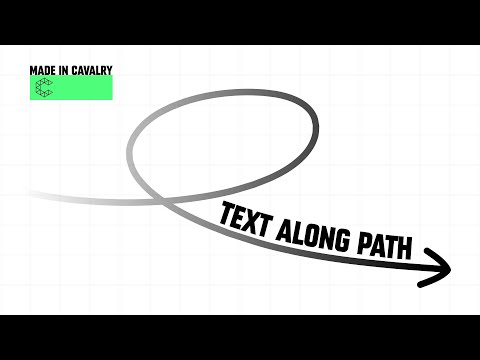
In this tutorial, I'll guide you through the essentials of using Text Paths in Cavalry Animation software, providing a seamless introduction to this powerful feature. Additionally, we'll explore the utilization of Variable Fonts and oscillators to craft smooth, eye-catching animations that elevate your motion graphics to new heights. Join me as we embark on a journey to master the art of dynamic typography and create mesmerizing visual experiences. 00:00 Introduction 00:13 Creating a Text Shape 00:30 Creating a Shape and using it as a Text Path 01:05 Path Travel Workaround with the Travel Deformer 01:35 Smoothing Sharp corners (Bevel also works) 01:57 Reverse Path 02:25 Setting up a String Array 02:53 Using a Basic Line as a Text Path 03:10 Adding an Oscillator to the Basic Line 03:40 Duplicating the new Text and Path 04:35 Adding Material Behaviours to the Text 06:30 Using Variable Fonts 07:26 Adding Behaviours to Variable Axis 08:30 Adding a Behaviour to Path Travel 09:00 Overview and thanks for watching 09:30 Let me know what you want to see next! Music by @Brotherandwolf / @BrotherAndWolfVEVO
- 10434Просмотров
- 1 год назадОпубликованоAlex Amor
Type Along a Path | A Cavalry Animation Tutorial
Похожее видео



Популярное
Новини