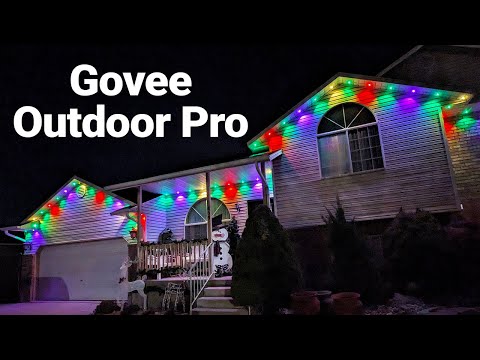
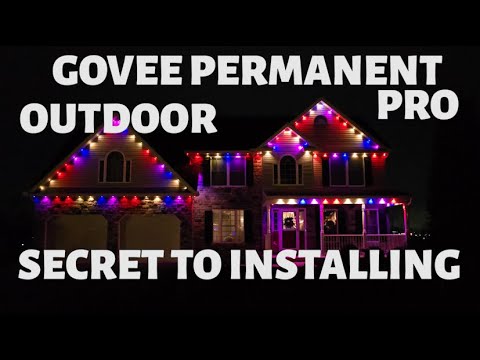
Govee Permanent Lights are a great addition to the home. Let me show you how to fully customize scenes, effects, and patterns. Govee Permanent Lights Pro: 00:00 Intro 00:21 Govee App 01:23 Snapshot Button Function 01:39 Timer 02:02 Color Adjustment 02:50 Lighting by Section(s) 03:49 Lighting Vibrance 04:08 Scenes 05:42 Collections 06:18 Segmented Scenes 07:39 Music Options 08:39 Share Space 10:01 Saving Share Space Effects 10:26 DIY Effects 13:58 Share DIY to Share Space 14:43 Finger Sketch Patterns 17:44 Apply Snapshot Saves 18:33 AI Scenes 19:37 More Tab 20:07 Autoplay Multiple Scenes 22:16 Fun Lighting Options 24:17 Custom Automations 27:17 Outro Govee provided these lights for a previous video. SUBSCRIBE here, it's FREE! Check out these products I use and have reviewed: Tech With Brett is a participant in the Amazon Services LLC Associates Program, an affiliate advertising program designed to provide a means for sites to earn advertising fees by advertising and linking to . Connect with me:
- 13967Просмотров
- 1 неделя назадОпубликованоTech With Brett
Beginner App Guide to Customize Your Govee Permanent Outdoor Lights
Похожее видео






Популярное
Новини