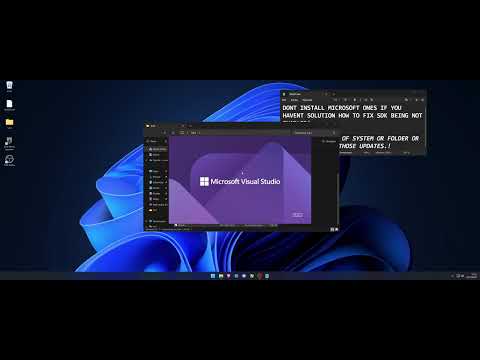
Hello There, FYI - Linux server require additional code to have working functions so be sure what are you doing UPDATE: One Tip, VS 2026 is fixed from yesterday ( ) - it has problem earlier where the cpu was overloaded all the time in Unreal. But 2022 is needed to generate project files. Highly reccomend using if you have newer PC - its much more responsive. procedure is the same also with nugets. this is first part of tutorial how to get Windows 252H ,Visual Studio and Unreal Engine ready to package Dedicated Servers for Linux machines (Ubuntu) . Process Require couple of hours so be patient and follow exact. 1) Installation is on fresh copy of W11 25H2 2) It covers most problems might happen during process 3) If you have questions please leave the comment 4) Commands: a) Installation for WSL (restart required it will prompt y/n) Dism /online /Enable-Feature /FeatureName:Microsoft-Windows-Subsystem-Linux /All b) Switching WSL Mode (restart required - manual) wsl --set-default-version 1 c) Installation of Ubuntu (There is need to create account name and password) wsl --install -d Ubuntu d)updates to Ubuntu for root sudo -i sudo apt update sudo apt upgrade if error: cd /bin && mv -f systemd-sysusers{,.org} && ln -s echo systemd-sysusers && cd - apt update apt upgrade apt --fix-broken install retry to check if any more packages needed also check outside root restart ubuntu without sudo -i and push updates too clang command check %LINUX_MULTIARCH_ROOT%x86_64-unknown-linux-gnu\bin\clang++ -v LINKS: Windows ISO Visual Studio 2022 Authorization for Epic Github Engine Source Linux Clang
- 86Просмотров
- 1 месяц назадОпубликованоmyasga
Unreal Engine 5 Source Cross-Compiling for Linux Dedicated Server 1/3
Похожее видео








Популярное
Новини