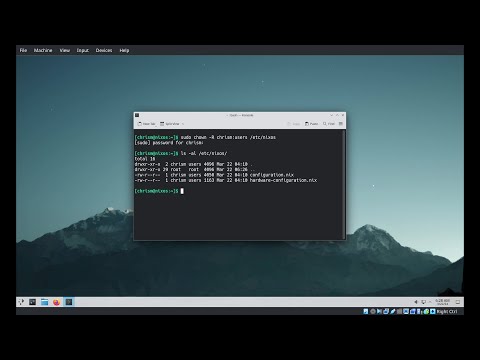
Tutorial for installing NixOS and initial configuration for users, docker, and Traefik reverse proxy. In this video, I’ll walk you through a complete setup—from installing NixOS to configuring Docker and Traefik with a fully modular, reproducible workflow. What you’ll learn - Step-by-step NixOS installation with flakes support - How to enable Docker the declarative way - Organizing user-specific configurations - Configuring Traefik as a reverse proxy via docker compose, using a custom systemd service Whether you’re building a scalable homelab or just diving into Nix for the first time, this guide gives you practical insights and reusable configurations to get you going. #NixOS #Homelab #Docker #Traefik #flakes #selfhosted 00:00 - NixOS 00:24 - Install NixOS 03:30 - Enabling SSH 05:40 - Enabling Flakes 07:09 - 10:21- Enabling Docker 11:56 - Configuring User 14:05 - Traefik/Immich Configuration Github: NixOS Manual: Traefik Without Labels: #nixos #selfhosted #homelab #traefik #docker
- 1920Просмотров
- 5 месяцев назадОпубликованоGenie AJ
NixOS | Homelab Tutorial to Get You Started
Похожее видео





Популярное
Новини