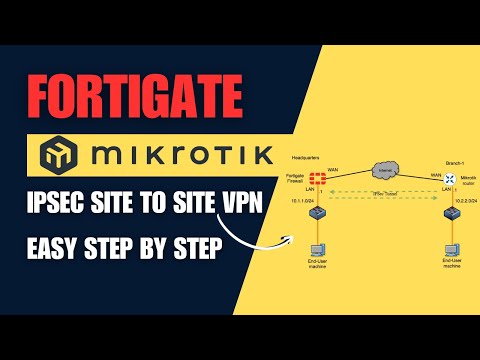
In this video, we will configure an Fortigate IPsec site to site VPN between two sites without IPsec Wizard: the headquarters and branch site 1, both equipped with Fortigate firewall appliances. We will also use Linux machines at both ends to test the traffic. Watch as we build the IPsec tunnel, test the traffic, and demonstrate how to shut down the tunnel from the GUI if needed. For a detailed fortigate ipsec vpn site to site guide, check out our blog article: 00:00 Introduction 04:43 Configure IPsec VPN on HQ FortiGate Firewall 08:28 Create Security Policy for IPsec Tunnel on HQ FortiGate 12:31 Set Static Route for IPsec Tunnel on HQ Firewall 13:15 Configure IPsec VPN on Branch1 FortiGate Firewall 14:59 Create Security Policies for IPsec Tunnel on Branch1 16:41 Set Static Route on Branch1 FortiGate for IPsec Traffic 17:21 Test IPsec VPN Connectivity Between FortiGate HQ and Branch1 #Fortigate #IPsec #VPN
- 29443Просмотров
- 1 год назадОпубликованоGetlabsdone
FortiGate IPsec Site to Site VPN Configuration Step by Step | Easy steps.
Похожее видео








Популярное
Новини