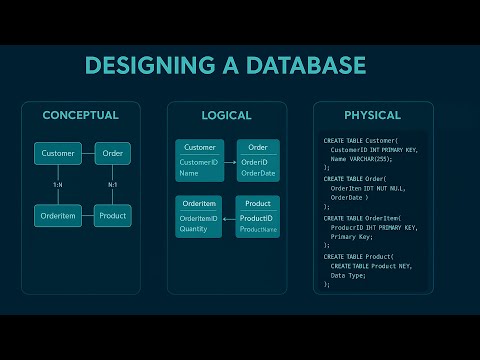
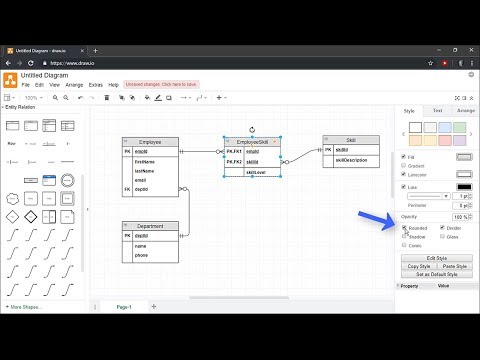
Learn how to create an Entity Relationship Diagram in this tutorial. We provide a basic overview of ERDs and then gives step-by-step training on how to make an ER diagram with correct cardinality. Entity Relationship Diagrams are comprised of 3 main categories: entities, attributes, and relationships. Entities are objects or concepts that are associated with important data—like a customer, order, or product. Attributes represent properties or traits of an entity, such as a customer’s phone number or home address. Relationships demonstrate the link between entities. Another main aspect of of ERD's is cardinality, which further defines the relationship between entities in a numerical way. Certain symbols signify the minimum and maximum relationship between different entities. —— 00:00 Intro 0:25 What's an ERD? 1:05 How do we make an ERD? 1:25 Entities 1:54 Attributes 2:17 Relationships 2:47 Cardinalities 3:15 ERD examples 5:20 Putting it all together —— Learn more at: Sign up for free at: Follow us: Facebook: Twitter: Instagram: LinkedIn:
- 906661Просмотров
- 2 года назадОпубликованоLucid Software
Entity Relationship Diagram (ERD) Tutorial - Part 1
Похожее видео




Популярное
Новини