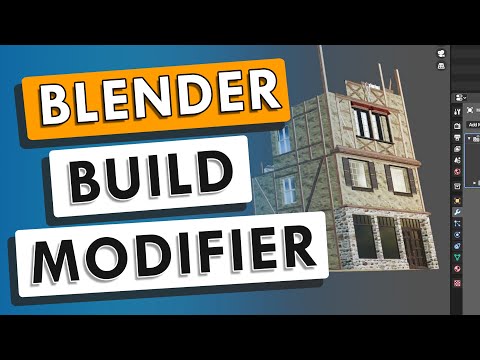
In this video, we check out the Blender Build Modifier - a modifier that animates objects piece by piece inside of Blender! This modifier can be used to animate construction of objects, as well as having the ability to have the faces of the object randomly appear or disappear over a set number of frames! In this tutorial we talk step by step about how to use the build modifier, including how you can prioritize certain surfaces to be shown first! Want to Support The CG Essentials? Add-On Links (Affiliate Links) Scatter - Flip Fluids - Disclaimers: all opinions are my own, sponsors are acknowledged. Product Links in the description are typically affiliate links that let you help support the channel at no extra cost. TIMESTAMPS 0:00 - Introduction 0:25 - Adding the build modifier to an object 1:05 - Reversing the build animation 1:36 - How number of faces affects the build modifier 3:03 - Using the build modifier with other modifiers (like Subdivision Surface) 4:15 - Setting object sorting to set what gets animated first 5:56 - Animating an array object with the build modifier 6:40 - Using the randomize build modifier function 7:01 - Animating a framing model 7:24 - Conclusion/Support the show on Patreon!
- 19793Просмотров
- 4 года назадОпубликованоThe CG Essentials
Using the Blender BUILD MODIFIER for Beginners - Step by Step Tutorial
Похожее видео




Популярное
Новини