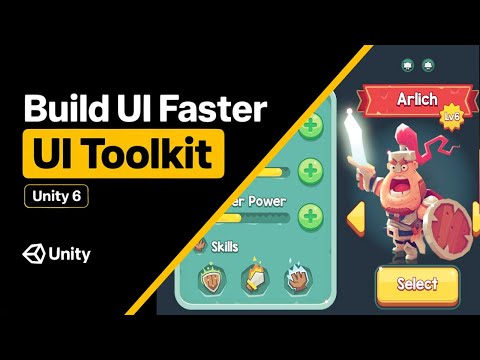
Learn more about Unity UI here: This tutorial/guide will show you how to build a complete in-game UI using Unity’s UI Toolkit — including a player profile, heart-based health system, pause menu, and the new ScriptableObject binding workflow. -------------------------------------------------------------------------------- 🎓 YOU WILL LEARN: - How to set up UI Toolkit for runtime UI - How to create UXML-based layouts and USS styles - How to build a player profile UI (image, name, class/race) - How to create a heart-based health system - How to work with UI Document, UI Builder, and Panel Settings - How to apply shared styles using custom StyleSheets - How to use ScriptableObjects for UI binding in Unity -------------------------------------------------------------------------------- ⚙️ VIDEO CHAPTERS: 0:00 - Intro 1:02 - Setup UI Toolkit in your scene 3:20 - UI Toolkit example 5:52 - Building player profile 12:49 - Building hearts container 18:30 - UI scaling 21:25 - Styles
- 3405Просмотров
- 2 недели назадОпубликованоCoco Code
Unity UI Toolkit Guide: New way to build UI for your game?
Похожее видео






Популярное
Новини