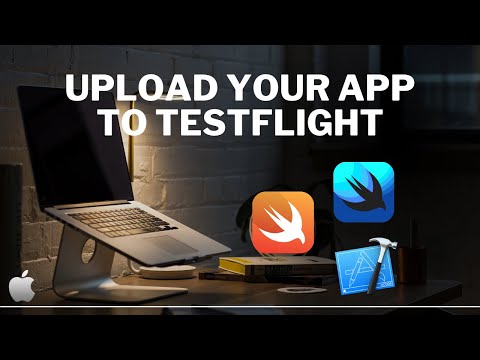
Ready to beta test your iOS app with real users? This video walks you through the full TestFlight setup using App Store Connect and Xcode — step by step. Perfect for indie developers or small teams getting ready to distribute internal or external builds of their SwiftUI app! 🚀 What You’ll Learn: ✅ How to enable TestFlight in App Store Connect ✅ Upload a build to TestFlight using Xcode ✅ Add internal and external testers 🎯 Whether you're launching your first beta or prepping for App Store release, TestFlight helps you catch bugs and get feedback fast. 🔥 Download My Project Files & More! 🔥 👉 👨💻 Join the Community: 👍 Like & Subscribe for more Swift, Xcode, and indie dev tips. ⏱️Timestamps: 00:00 – Intro: What We’re Covering 00:24 – What is testflight? 01:35 – Adding a build to testflight - App Store Connect 02:05 – Adding a build to testflight - XCode 02:38 – Sending our build to App Store Connect 03:10 – Managing our Testflight 03:50 – Adding Testers - Internal (Dev Team) 04:30 – Adding Testers - External (Public) 03:50 – Testers - Internal 05:40 – Enable Testing (Post approval) 06:13 – Installing Testflight Beta Builds 06:50 – Sandbox testing (For things like IAP's) 07:30 – Wrap up
- 18586Просмотров
- 6 месяцев назадОпубликованоNDC
TestFlight & Xcode: Upload, Distribute, and Beta Test Your iOS App In Under 10 Minutes! (2025)
Похожее видео

Популярное
Новини