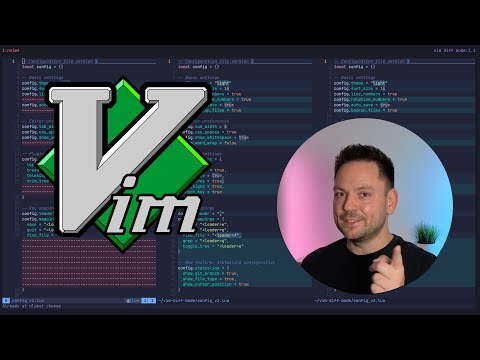
Advanced Vim motions, tips, and tricks that genuinely blew my mind when I finally discovered them. These aren't your basic :wq type moves. We're diving into the stuff that makes working in Vim feel smooth, fast, and a little bit magical. If you're already a Vim user, chances are you'll still pick up something new. At least I did. Let's keep leveling up our Vim game. ⚡ 🎥 Related Videos 🔗 Links My dotfiles: Tmux CPU & Memory Monitor Plugin: ⌛ Timestamps: 00:00 Intro 00:30 Tip #1: Increment/Decrement numbers 00:52 Tip #2: Create a numbered list 01:26 Tip #3: Insert new lines without hitting Enter 01:55 Tip #4: Delete previous word in insert mode 02:15 Tip #5: Perform motions from insert mode 02:41 Tip #6: Find partial matches of the word under the cursor 03:35 Tip #7: Use the jumplist to move around where you've been 04:54 Tip #8: Make better use of marks and neat features many overlook 07:16 Tip #9: Surprisingly decent built-in color scheme 07:47 Tip #10: Cycle through deletion history in-line 09:52 Tip #11: Native multi-file refactoring 12:15 Like & Subscribe? :) 🛠️ Gear I use (affiliate links) These are the tools I actually use every day. If you end up grabbing something through these links, I get a small kickback (no extra cost to you), which helps keep the channel going. - Split keyboard: #vim #neovim
- 17209Просмотров
- 4 месяца назадОпубликованоHenry Misc
More Vim Tricks That Blew My Mind
Похожее видео









Популярное
Новини