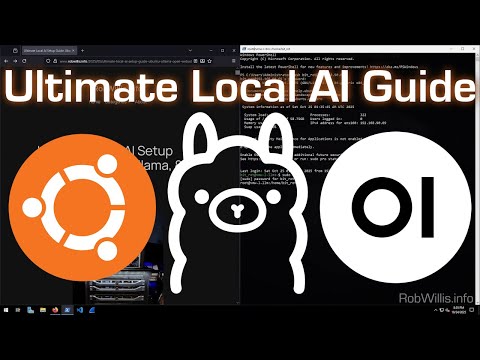
How to Install DeepSeek and Llama into your laptop. This episode will show you how to install AI locally so you can take advantage of the privacy that only a local AI model can provide. Also this will save money in the long run if you happen to use large files in your daily workflows. Internet Engineer LinkedIn Install Script located in GitHub: %20Installing%20your%20own%20AI%20tools%20like%20DeepSeek%20or%20Llama%20on%20your%20computer/ Photography by: Matheus Bertelli 00:00 Intro — How to Install Deepseek and Llama in your laptop 00:17 Intro Logo 00:27 Advantages of running local AI models 01:40 Recommended Hardware to install local AIs 03:47 Overview of the software to be installed 05:07 Install WSL2 06:45 Install Ubuntu 08:34 Install Docker 11:15 Install Ollama 12:54 Install Deepseek 15:52 Install Llama Test Deepseek and Llama using powershell Set GPU and cache to improve performance 20:29 Create Docker container to host Open WebUI 22:30 Install Open WebUI Interface 24:02 Run AI Locally for the first time 25:32 Troubleshooting Issues after rebooting 26:56 Additional Help 27:07 Outro Music
- 266Просмотров
- 1 месяц назадОпубликованоCreate Job Security using @AISuperstack
Install DeepSeek and Llama into your laptop
Похожее видео









Популярное
Новини