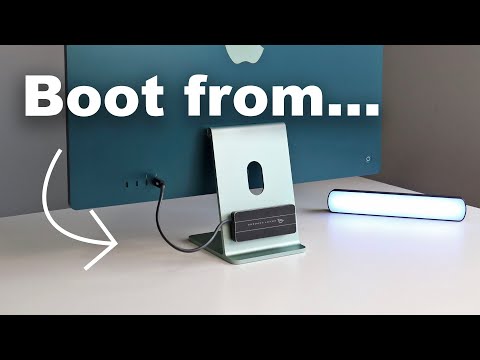
You can Install macOS 15 Sequoia today. If you don't have a developer account you can get access to the latest full installer using a direct link. New iOS App Course: These direct links are subject to change and can be deactivated if Apple finds a critical bug. 1. @mrmacintosh has documented additional installers on his website: 2. Make sure you use the correct USB-C port for your Mac. Boot drives require specific ports. 3. Change your startup disk: You can read the release notes here (Apple developer): 0:00 Install macOS on SSD 0:50 Overview 1:52 Mr. Macintosh Install Links 2:35 Install macOS 15 beta in Applications 3:15 Recommended SSD 4:32 Avoid the DFU Port! 6:20 DFU Port Locations 7:55 Disk Utility 8:07 Format SSD with APFS 10:35 InstallAssistant for macOS 11:40 Install macOS from Applications 12:34 Show All Disks 14:52 macOS Success! 15:07 Troubleshooting 15:32 Choose Startup Disk #macos15 #sequoia #ssd #startupdisk #harddrive #externaldrive #hd #harddisk #ssddrive #macos #bootable #beta #mac #download #fullinstaller #apple
- 69441Просмотров
- 1 год назадОпубликованоPaul Solt
How to Install MacOS on ANY External Drive in 2025
Похожее видео


Популярное
Новини