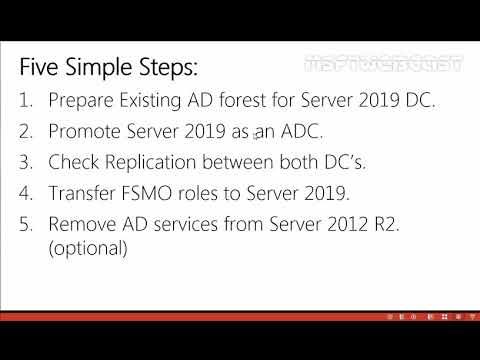
In this video, we will migrate our Active Directory from a Windows Server 2008 R2 to a Windows Server 2019. Note: For this demonstration i have used Virtaul lab created in Oracle VirtualBox. This Step-By-Step guide was created to give the basic idea of Active Directory Migration. Six Simple Steps: Step:1 Join Windows Server 2019 to the Domain Step:2 Preparing your existing forest via the adprep command for Windows Server 2019 DC. Step:3 Promoting the Windows Server 2019 Server domain controller. Step:4 Check Replication between both DC’s. Step:5 Transfer FSMO roles to Server 2019. Step:6 Remove AD services from Server 2008 R2(optional). Check Out my blogs on Windows Server 2019:
- 122174Просмотров
- 6 лет назадОпубликованоMSFT WebCast
Active Directory Migration From Windows 2008 R2 to Windows Server 2019
Похожее видео











Популярное
Новини