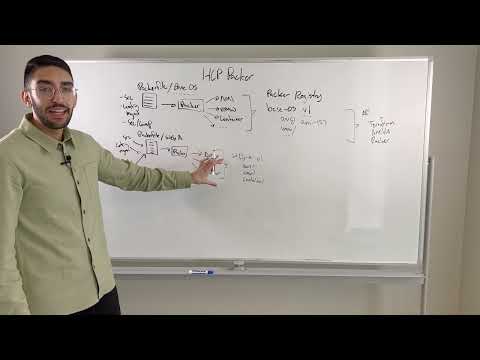
Using automation provides a powerful way to ensure your virtual machines, containers, and hosts are configured and managed across the environment consistently, seamlessly, and securely. We take a look at using home lab automation tools to keep VMs and home lab infrastructure updated, configured, and using it to deploy new templates and virtual machines. Subscribe to the channel: My blog: _____________________________________________________ Social Media: LinkedIn: Github: Introduction to home lab automation tools I use - 0:00 Hashicorp Packer - what it is and what it does - 1:05 Looking at Packer and a demo of running the command - 1:46 Talking about Packer and how it fully automates operating system installation - 2:20 Introduction to Terraform, what it does, and how you use it - 2:54 Looking at executing Terraform, state files, and configuration - 3:53 Introduction to PowerShell, background, and what it does - 5:08 Introduction to PowerCLI module for PowerShell and how PowerShell is extensible - 5:44 Looking at installing the PowerCLI module - 6:14 Using PowerShell and PowerCLI with Visual Studio Code - 7:04 Introduction to Ansible and configuration management with Playbooks - 7:37 Looking at an inventory file, the Ansible ping command - 8:46 Running an Ansible Playbook to update Linux VMs - 8:56 Wrapping up and thoughts on automation tools in the home lab - 9:20 Building an Ubuntu template with Packer: Automated Windows Server 2022 Packer Build: Terraform vSphere tutorial - Linux Virtual Machine Clone: Ansible provisioning VMware VMs:
- 22079Просмотров
- 3 года назадОпубликованоVirtualizationHowto
Best Home Lab Automation Tools! Packer, Terraform, PowerShell, and Ansible
Похожее видео






Популярное
Новини