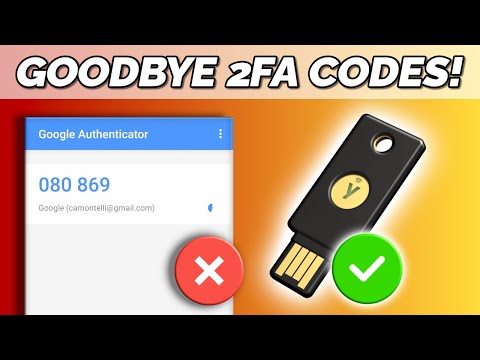
Keeping your accounts protected using different 2-step verification methods, including hardware security keys. Video includes Yubikey demonstration, as well password good practice and other security advice. My own security keys are Yubikey 5C models, which you can find on here: and on here: (paid affiliate links). Note that I have no association with Yubico, and that I purchased the keys I use. However, note that an Amazon Associate I earn from qualifying purchases when you click on either of the Amazon links. In this video I refer to keeping passwords on encrypted USB drives, which I have covered in the following videos: “Encrypted USB Devices” (hardware encryption): VeraCrypt Encrypted USB Drive (stand alone software encryption): DatAshur PRO Encryped USB 3.0 Drive (hardware encryption): The Microsoft blog post on a passwordless future is here: The 2019 Microsoft Security Baseline announcement in which they explain in detail why regularly changing (expiring) passwords is no longer necessary is here: The YouTube post reporting that 2-step verification will be required for all monetizing channels from November 1st 2021 is here: The Google Titan security key web page is here: And the Yubico security key products page is here: The Yubikey page on setting up security keys in Linux (Ubuntu -- but it works in other distros) is here: More videos on computing and related topics can be found at You may also like my ExplainingTheFuture channel at: Chapters: 00:00 Introduction 00:35 Passwords & Beyond 03:14 Authentication Methods 05:45 Security Keys (hardware authentication devices) 09:31 Maximum Security 11:23 Two More Things
- 120643Просмотров
- 4 года назадОпубликованоExplainingComputers
Cyber Security: Protecting Online Accounts
Похожее видео






Популярное
Новини