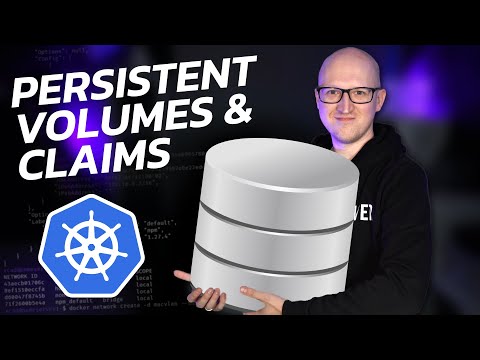
Introduction to Kubernetes and persistent storage - 0:00 A deep dive into NFS storage using a Synology NAS as a target for your Kubernetes workloads. Using an open-source NFS provisioner, we can attach to an NFS share on our NAS and then use this as a storage class in our K8s cluster that automatically provisions storage when we spin up pods. You can see the code examples here: ★ Subscribe to the channel: ★ My blog: ★ Twitter: ★ LinkedIn: ★ Github: ★ Facebook: ★ Discord: ★ Pinterest: First steps when spinning up Kubernetes - 0:49 Hurdle of needing persistent storage - 1:09 Why persistent storage is important - 1:38 Introducing the NFS subdir external provider - 1:51 Introducing the first step, creating an NFS folder - 2:52 Walking through creating a shared NFS folder in Synology DSM - 3:29 NFS configuration - 4:38 Talking about testing connectivity to the new NFS share - 5:40 Installing NFS client tools to test connectivity - 6:00 Creating a directory for mounting the test NFS connection - 6:38 Running the command to mount the NFS share - 6:52 Overview of the steps to install the NFS provisioner - 7:34 Adding the helm repo - 7:50 Installing the NFS provisioner - 8:05 Looking at storage classes in the Kubernetes cluster after installation - 8:45 Changing the default storage class configuration - 9:13 Setting the other storage class as not the default - 9:55 Overview of testing the NFS provisioner - 10:36 Creating the YAML file for the new pod - 10:54 Running the kubectl command to use the YAML file - 11:39 Checking the persistent volume claims - 12:05 Wrapping up NFS targets with Kubernetes - 12:25 Check out other posts you may like: Docker Host disk space cleanup:
- 8725Просмотров
- 2 года назадОпубликованоVirtualizationHowto
Connect Kubernetes to your Synology NAS NFS share
Похожее видео




Популярное
Новини