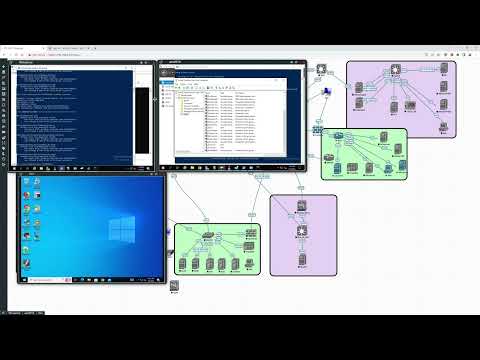
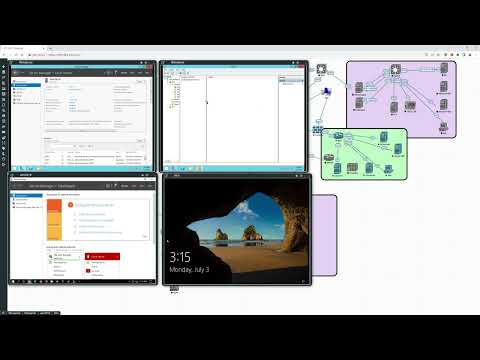
Upgrade a Windows Domain that is currently using 2012r2 as the domain controllers without changing the IP or Hostname This Video contains the fifth and sixth step Replacing DC01 1. Prepare the new server: Install Server 2019 and join it to the current domain 2. Promote the New Server: DCPROMO the new server to add it to the domain as a new domain controller 3. Transfer FSMO Roles: Use the command "netdom query fsmo" to find where the current FSMO roles are and move them to another DC the Old server: Run the AD domain services Installation wizard to remove the domain controller role from the server 5. Change the IP and Name of the Old Server 6. Change the IP and Name of the New Server 7. import DHCP from old server Test with dcdiag repadmin /showrepl repadmin /replsummary
- 414Просмотров
- 2 года назадОпубликованоNetworkConfigChris
Upgrade Windows 2012r2 Domain Controllers to 2019 - Keep IP and Name - DHCP and testing PT8
Похожее видео







Популярное
Новини