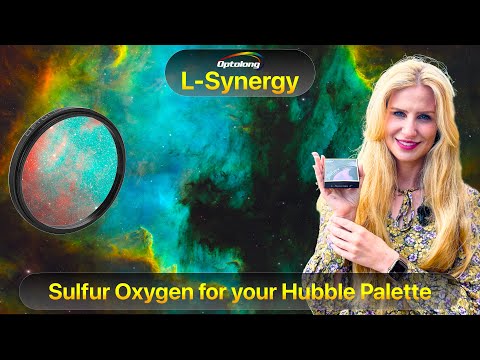
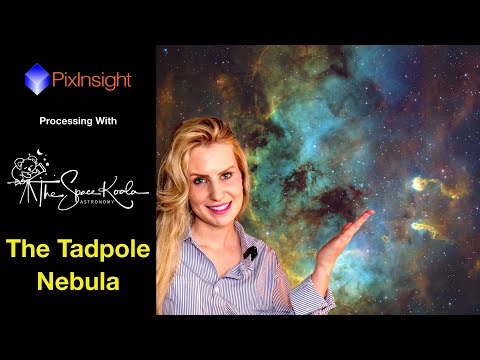
Step by step process of creating a true Hubble Palette (SHO) image using a one-shot color camera together with the Optolong L-Extreme and the new Optolong L-Synergy filters. !!UPDATE - The L-Synergy filter is now available Europe: 289 EUR US: 279 USD I’ll show how to: • Organize and calibrate the data in PixInsight using WBPP • Extract and combine the channels (Sulfur, Hydrogen, Oxygen) • Integrate the oxygen signal for the best signal-to-noise ratio • Build the SHO image with ChannelCombination • Balance the colors with background neutralization and color calibration • Stretch the data and refine contrast with Curves • Process the stars separately and add them back into the image • Make final adjustments for a clean, balanced result If you’re interested in going beyond “faux Hubble palette” tricks and actually building a real SHO image from OSC narrowband data, this tutorial will guide you through the complete workflow. Let me know in the comments which version you prefer — the greener, more classic Hubble palette or the golden-blue look that came out in this session. #HubblePalette #Astrophotography #PixInsight #Optolong #SHO #TheSpaceKoala
- 6356Просмотров
- 2 месяца назадОпубликованоThe Space Koala
OSC Hubble Palette: PixInsight Tutorial for Dual Narrowband Filters (L-Synergy & L-Extreme)
Похожее видео


Популярное
Новини