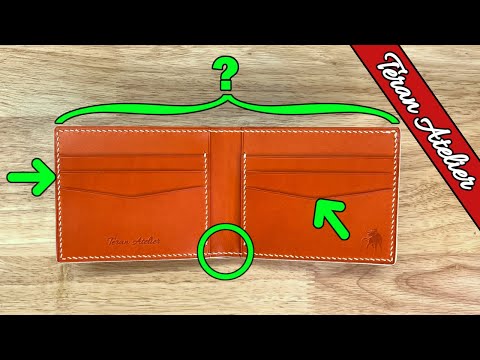
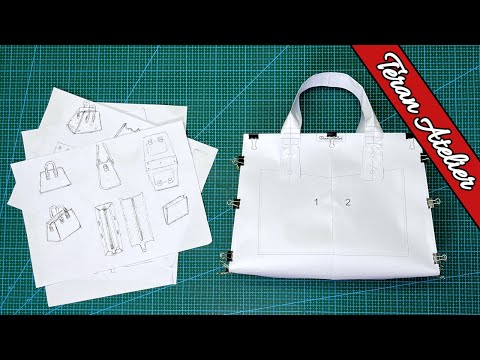
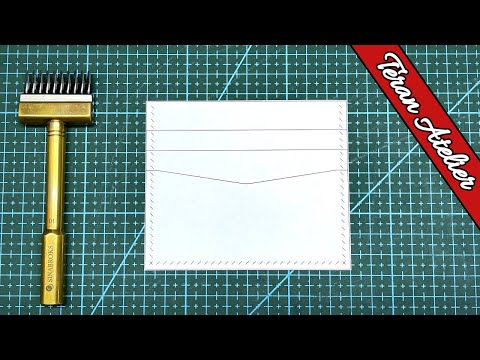
The most important CAD commands for designing leather patterns In this video I give an introduction to using Computer Aided Design (CAD) software to making patterns for leather projects. I use NanoCAD to show the steps I use to create a leather pattern for a simple folding card holder while at the same time highlighting the most important commands for CAD software. CAD File (.dwg) Download Link: CAD Based Pattern Design Software: - NanoCAD [Used in video] (FREE): - AutoCAD (PAID): Alternative Graphic Design Software: - Inkscape (FREE): - Adobe Illustrator (PAID): List of CAD Commands Used: These can be typed into the command bar at the bottom of your CAD software. - LINE - COPY - PASTE - FILLET - MIRROR - OFFSET - TRIM - ADDLAYOUT - ADDRECTANGLEVIEWPORT - MTEXT - RECTANGLE - PLOT If you want to support the channel: Become a Patreon Supporter: Buy Patterns on Etsy: Also follow me on: Instagram: @teranatelier Reddit: u/TeranAtelier Thingiverse: Thank you for Watching! If you enjoyed the video, please like and subscribe as I have many more videos coming.
- 26697Просмотров
- 4 года назадОпубликованоTeran Atelier
Leather Pattern Design: Most Important Commands in CAD Software
Похожее видео



Популярное
Новини