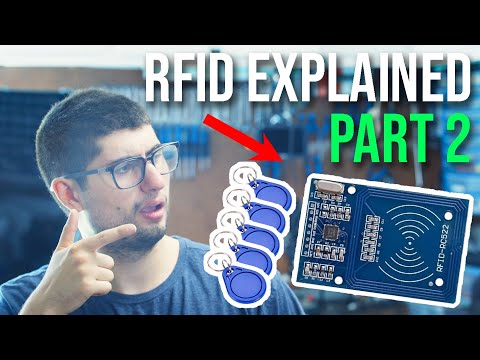
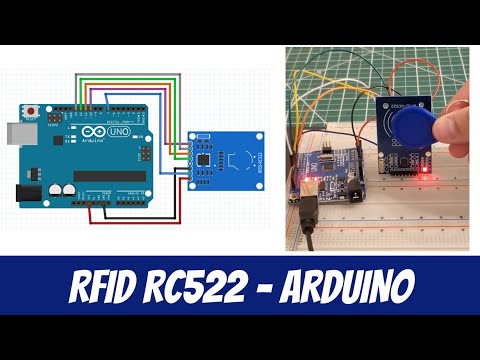
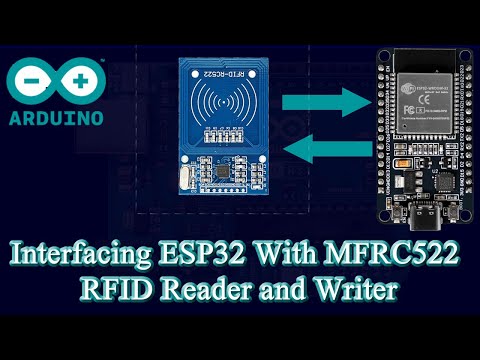
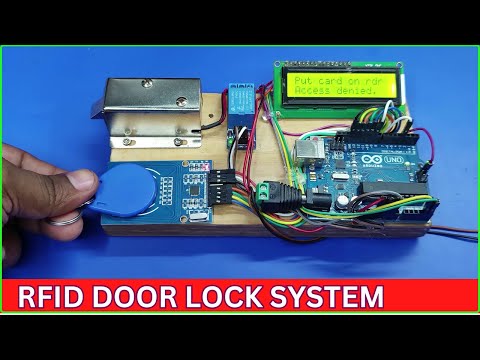
How to interface RFID RC522 Reader with ESP32 using LCD Display 𝐒𝐮𝐩𝐩𝐨𝐫𝐭 𝐭𝐡𝐞 𝐜𝐡𝐚𝐧𝐧𝐞𝐥 𝐯𝐢𝐚 𝐏𝐚𝐲𝐩𝐚𝐥 𝐆𝐞𝐭 𝟏𝟎% 𝐝𝐢𝐬𝐜𝐨𝐮𝐧𝐭 𝐮𝐬𝐢𝐧𝐠 𝐦𝐲 𝐩𝐫𝐨𝐦𝐨𝐭𝐢𝐨𝐧 𝐜𝐨𝐝𝐞, '𝐈𝐓𝐀𝐌𝐀𝐑' Welcome to our beginner-friendly tutorial on interfacing the ESP32 with the RFID RC522 reader and an LCD screen! In this video, we will walk you through step-by-step instructions on how to connect these components to create a functional RFID reader that displays information on an LCD. 🔑 𝐖𝐡𝐚𝐭 𝐘𝐨𝐮 𝐖𝐢𝐥𝐥 𝐋𝐞𝐚𝐫𝐧: - Understanding the ESP32 microcontroller and its capabilities. - How to set up the RFID RC522 reader to read RFID tags. - Connecting and programming an LCD screen to display data. - Writing and uploading code to the ESP32 for seamless integration. 📦 𝐌𝐚𝐭𝐞𝐫𝐢𝐚𝐥𝐬 𝐍𝐞𝐞𝐝𝐞𝐝: - ESP32 Development Board - RFID RC522 Reader - LCD Display (16x2) - Jumper Wires - Breadboard (optional) 💻 𝐂𝐨𝐝𝐞 𝐚𝐧𝐝 𝐑𝐞𝐬𝐨𝐮𝐫𝐜𝐞𝐬: We will provide you with the code used in this tutorial, along with links to libraries and additional resources to help you expand your projects further. 𝗔𝗿𝗱𝘂𝗶𝗻𝗼 𝗰𝗼𝗱𝗲 𝗮𝗻𝗱 𝗰𝗶𝗿𝗰𝘂𝗶𝘁 𝗱𝗶𝗮𝗴𝗿𝗮𝗺 Whether you're a complete beginner or looking to enhance your skills, this tutorial is perfect for you! Join us as we explore the fascinating world of RFID technology and microcontrollers. Don’t forget to like, comment, and subscribe for more exciting projects! timeCodes 0:00 - Review 0:22 -Components used 01:45 -Promotion code 10% discount 02:46 -Connecting RFID RC522 Reader to ESP32 06:47 -Connect LCD I2C to ESP32 board 09:39 -Circuit diagram 09:42 -Arduino code for getting RFID UID/Hex decimal numbers 10:13 -Getting RFID UID Codes/Hex decimal numbers 10:36 -Arduino main code for the project 11:04 -Testing the project #ESP32 #RFID #RC522 #LCD #BeginnerTutorial #Electronics #Microcontroller #DIYProjects
- 16349Просмотров
- 1 год назадОпубликованоUpload Ideas With Itamar
ESP32 + RFID RC522 Tutorial with LCD Screen (BEGINNER-FRIENDLY)
Похожее видео



Популярное
Новини