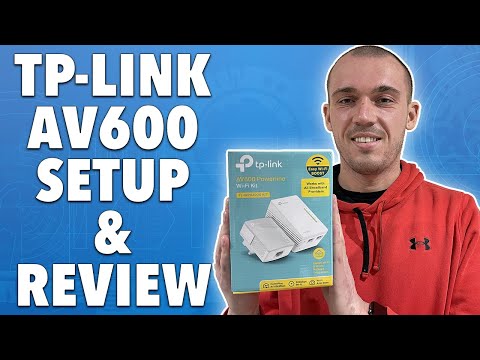
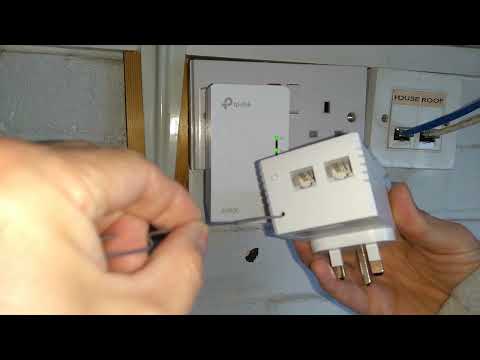
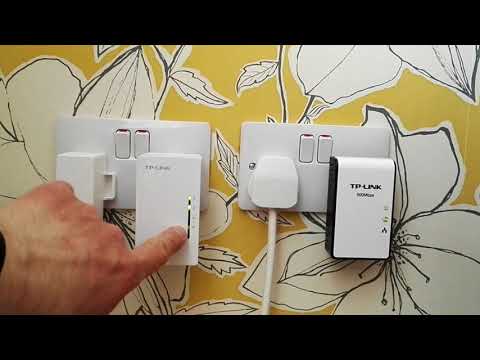
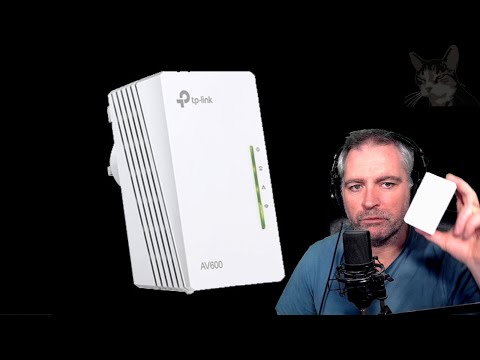
TP-Link AV600 Powerline WiFi Extender - Powerline Adapter with N300 WiFi, Power Saving, Ethernet over Power(TL-WPA4220 KIT) TP-Link AV600 Extender on Amazon: Having WiFi connection issues or WiFi dead spots? In this unboxing, review and setup tutorial we test the TP-Link AV600 Powerline WiFi Extender. The TP-Link AV600 Powerline WiFi Extender features secure wifi network extender with no bandwidth loss that is easy to setup and use. TP Link AV600 Admin page: TP-Link dedicated support: @ TP Link AV600 Default login information: • Login: admin • Password: admin Upgrade the Firmware on the AV600: How to setup the TP-Link AV600 Powerline WiFi Extender 1. Plug the internet connected AV600 powerline adapter into the wall and you home router 2. Plug the receiver AV600 into the wall 3. Hold the pair button on the internet connect AV600 for 1 second, then hold the pair button on the receiver AV600. Once the power LEDs on both devices have stopped blinking the AV600 is fully paired 4. Login to the WIFI created by the TP-LINK AV600 using the login information located on the top of the AV600. 5. You have now setup your new TP-LINK AV600 Pros of the TP-Link AV600 Powerline WiFi Extender: • Easy to setup • Uses your existing powerline system in your house, so no cable installation required • No bandwidth loss on WIFI or Ethernet • Two Ethernet connectors for hard wiring devices such as computers, Xbox, or PS4. • Great price for features • Encrypted powerline signal for security Cons of the TP-Link AV600 Powerline WiFi Extender: • Both AV600 transmitters and receivers must be plugged directly into the wall socket. They cannot be plugged into a surge protector. • WIFI speeds limited to 300Mbps Disclaimer: Some of the links in this description are Amazon affiliate links. As an Amazon Associate, Gauging Gadgets earns from qualifying purchases through affiliate links. 😀 HAPPY WITH THE VIDEO? 😀 SUBSCRIBE NOW! CLICK HERE - SEND ME A TIP! - FOLLOW ME! BLOG: FACEBOOK - TWITTER - TWITCH - Learn How to Crochet: REDDIT - INSTAGRAM - HOW DO I DO IT? (Paid Links) TubeBuddy YouTube Toolkit: My YouTube Setup: Sony DSC-HX80 Camera - Neewer Mini Table Tripod - Geekoto Lighting Kit - Blue Yeti USB Microphone - Logitech C270 Webcam - Cell Phone - Pixel 2 XL - Learn how to make a website:
- 803631Просмотров
- 6 лет назадОпубликованоGauging Gadgets
TP-Link AV600 Powerline WiFi Extender Review and Setup Tutorial
Похожее видео





Популярное
Новини