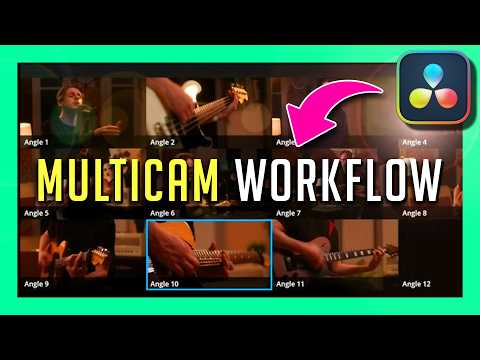
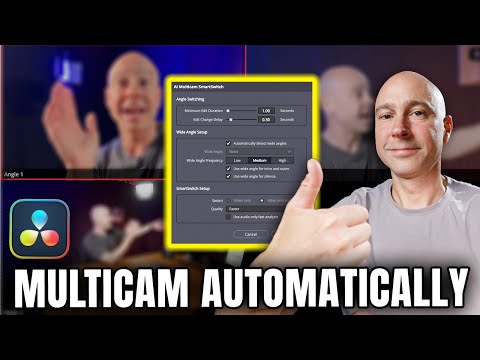
Davinci Resolve 20 brought with it some changes to how Multicam clips are created - and there are a few other changes made since my previous Multicam videos, so we're going Back to the Multicam! No, we're not going to hit 88mph, nor am I driving a Delorean, but I AM going to show you how to use Davinci Resolve's automatic syncing, manual syncing, creating the Multicam clip, and editing with it - enjoy! The gear I use to film this nonsense [Amazon Affiliate Links] Mirrorless Cameras: DJI Pocket 3 Creator Combo: Canon R6 Mark II w/ 24-105 F4 Lens: Nikon Z30 Dual Lens Kit: Sony ZV-1 w/ Vlogger Kit: Smallrig Sony ZV-1 Cage: Smallrig Wind Muff for Nikon Z30: Falcam F38 Quick Release System: GoPros: GoPro Hero 12: GoPro Hero 10: GoPro Max: Mics: DJI Mic 2: RODE Video Micro: Purple Panda Lapel Mic: RODE Wireless Go: GoPro Accessories: GoPro Hero 12 Max Lens Mod 2.0: GoPro Hero 9/10/11/12 Max Lens Mod: GoPro Hero 9/10/11/12 Media Mod: GoPro Jaws Clamp/Gooseneck Mount: GoPro Helmet Side Mount Kit: GoPro Seat Post Mount: GoPro Large Tube/ Bar Mount: Insta 360 Motorcycle Mount Kit: Insta 360 Bullet Time Selfie Stick Kit: Sky JFFJ Thread-to-GoPro Adapter: Ulanzi Phone holder: Velcro Straps, to prevent my Max from meeting the road: To Keep the Coffee FLOWING: Ciro 3D Big A** Drink Holder: Contigo Coffee Mugs: Other "Social" Medias: For more, visit Road Reality: Find me on Facebook: Twitter: Instagram: Want to help support the channel? You KNOW I love COFFEE! If you want to send me something, here's my address: John PO Box 514 Brookeville, MD 20833 As an Amazon associate, I earn commissions on qualified sales.
- 2272Просмотров
- 2 месяца назадОпубликованоCreatorReality
Davinci Resolve 20 CHANGED my MULTICAM workflow!
Похожее видео

Популярное
Новини