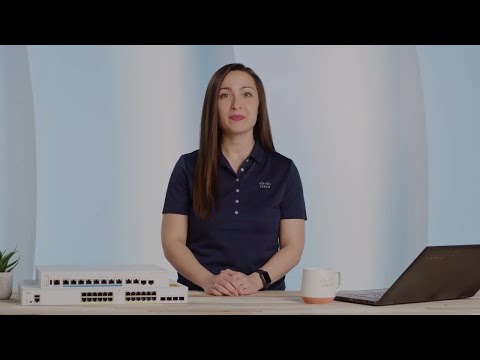
In this Cisco Tech Talk, we explore how to perform a factory reset on a Cisco CBS250 or CBS350 switch using the CLI (Command Line Interface). Learn the steps to restore your switch to its default settings, removing all configurations and returning the device to its initial state. This video provides the essential CLI commands and explains when and why you might need to perform a factory reset, ensuring your switch is ready for a fresh configuration. Related links: Cisco CBS250 Series Overview → Cisco CBS350 Series Overview → Cisco CLI Configuration Guide → #wp363726?dtid=osclytb001771 What you’ll learn in this video: – The process to factory reset a Cisco CBS250 or CBS350 switch via CLI – The specific CLI commands needed to clear configurations and return the device to its factory default state – When to perform a factory reset and the impact it may have on your network setup By performing a factory reset on your CBS250 or CBS350 switch, you can quickly resolve configuration issues or prepare the switch for a new network setup. Watch this video to get a clear and concise guide on using the CLI to restore your Cisco switches. Learn more: Cisco Official Site → Cisco Products & Services → Cisco Solutions → Contact Us → Follow Us on Social Media: Cisco LinkedIn → Cisco Twitter → Cisco Instagram → Cisco Facebook → Got questions or insights? Drop them in the comments—we'd love to hear from you! Don’t forget to like, subscribe, and hit the bell icon to stay updated on the latest with Cisco. #Cisco #CBS250 #CBS350 #FactoryReset #CLIConfiguration #TechTalk #CiscoTechTalk #SwitchManagement #Networking #CLI"
- 14822Просмотров
- 2 года назадОпубликованоCisco
How to Factory Reset Cisco CBS250/CBS350 Switch via CLI | Guide
Похожее видео






Популярное
Новини