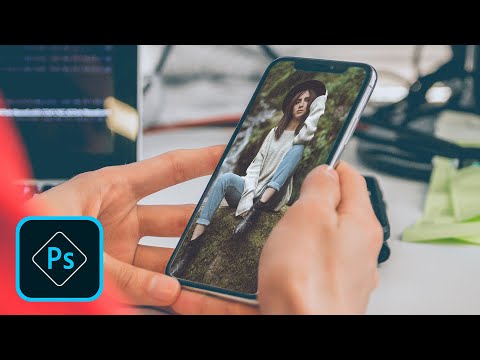
Discover Techniques to Place Anything on Any Screen Realistically with Photoshop! Using these methods, we'll also turn it into a "Screen Mockup" to easily insert any image on the screen and keep the effect intact. In this lesson, we will use the power of clipping masks, blending modes, and most importantly, concepts of depth-of-field to create a natural result. I hope this video helps you. Thank you so much for watching :) ► Timestamps: 00:00 What We'll Learn 00:31 What's the Resolution? Aspect Ratio? 02:23 Beware! Rounded Corners? 02:41 Placement & Perspective 04:02 Masking 04:43 2 Ways to Apply Screen Effect 06:14 Depth-of-Field and Tilt-Shift Blur 09:28 How to Use the Mockup? 10:48 Recap & Summary 11:55 Thank You! ► Support the Channel & Gain Premium Access: ► Recommended Software & Gear: ✅ My Graphic Tablet: ✅ Recommended Budget Tablet: ✅ Try Photoshop for Free: ✅ Artificial Intelligence Photo Editor: ✅ Unlimited Photoshop Actions, Plugins, and Stock Photos: ✅ Best 300+ High-Quality 50MP Skies for Sky Replacement: ✅ Primary Microphone: ✅ Second Microphone: ✅ Audio Interface: ✅ Filmed with: ✅ Lens: ✅ Music: ✅ The App I Use for YouTube Growth: ► PiXimperfect Merch Store: ► PiXimperfect Actions: ► Downloads: 1. Screen Mockup: 2. Sample Image 3. Finished PSDs: (Only for our Patreon Family) ► Share: ► Let's Connect: Instagram: Facebook: Twitter:
- 193656Просмотров
- 3 года назадОпубликованоPiXimperfect
Easily Create Highly Realistic Screen Mockup! - Photoshop Tutorial
Похожее видео


Популярное
Новини